Updating blog content is a great way to keep your posts accurate, relevant, and SEO-optimized. Whether you’re fixing a typo, updating a link, or revising product details, editing a blog post is simple.
How to Edit a Blog Post
To edit a blog post, go to Storefront → Posts in the admin dashboard.
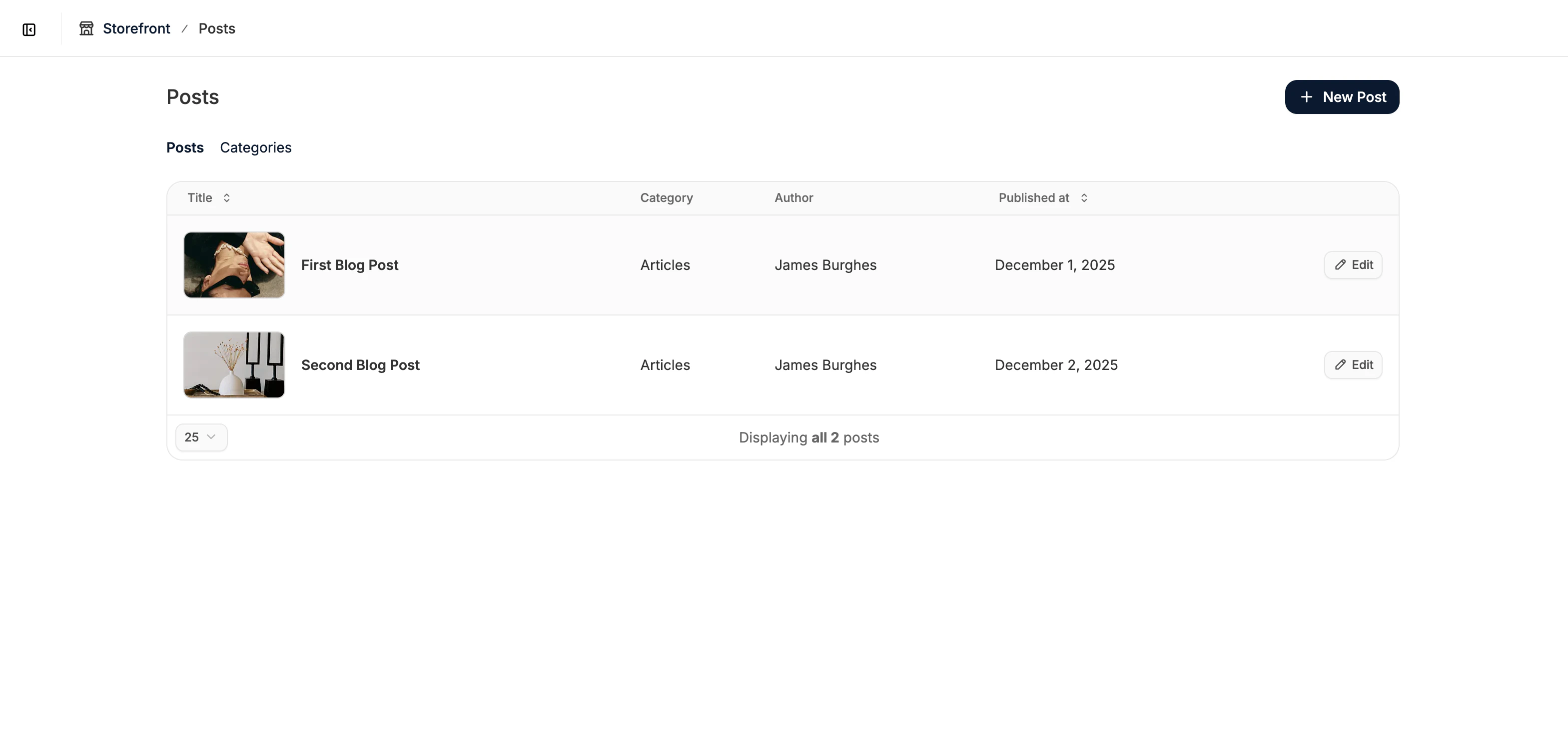 Locate the post you want to edit and click on it to open the blog post editor.
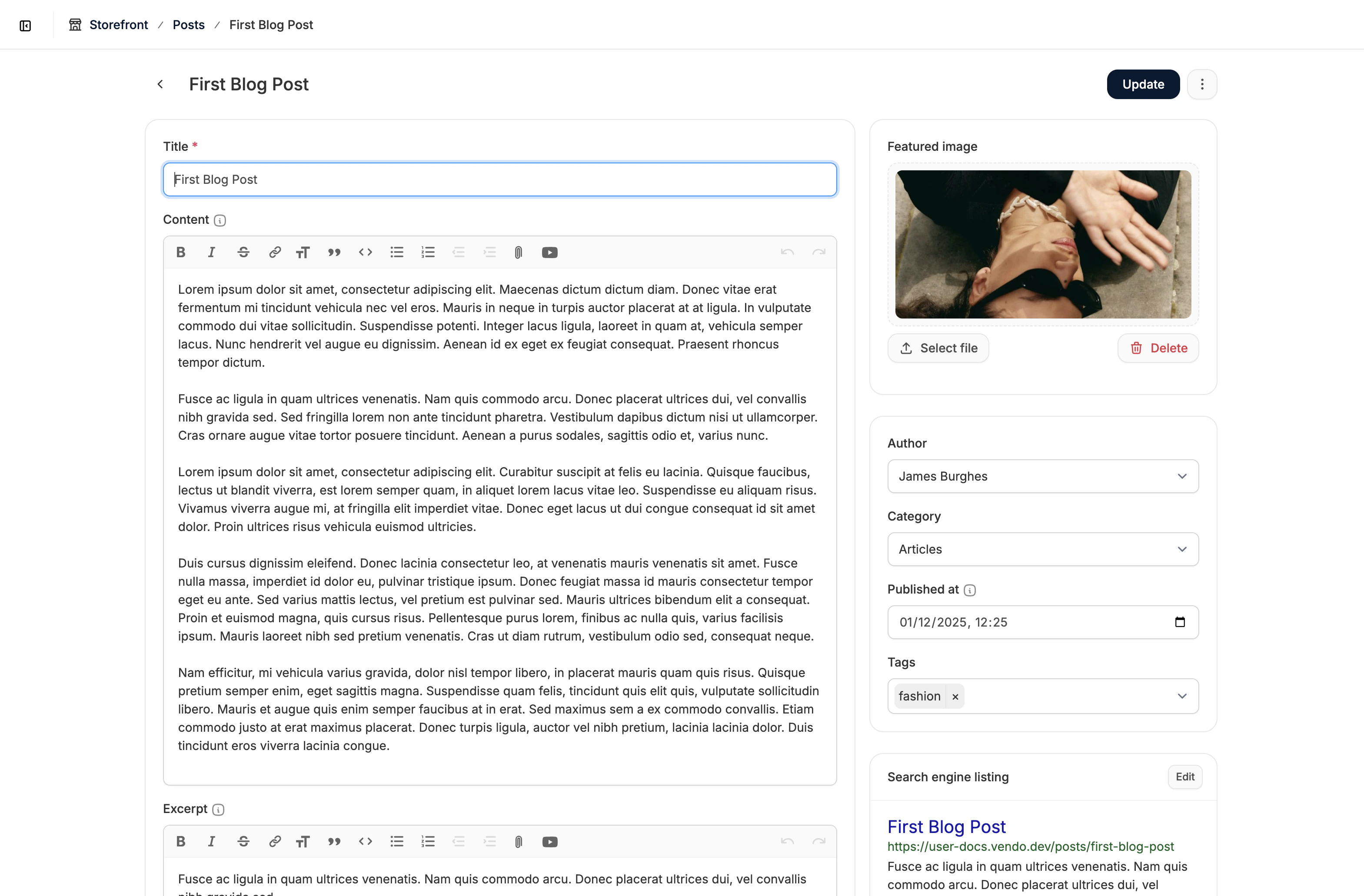 Make any necessary changes to the content, SEO settings, featured image, or metadata.
When you’re finished, click Update to save your changes.
Make any necessary changes to the content, SEO settings, featured image, or metadata.
When you’re finished, click Update to save your changes.
Changes won’t be saved unless you click Update.

