

How to Delete a Theme
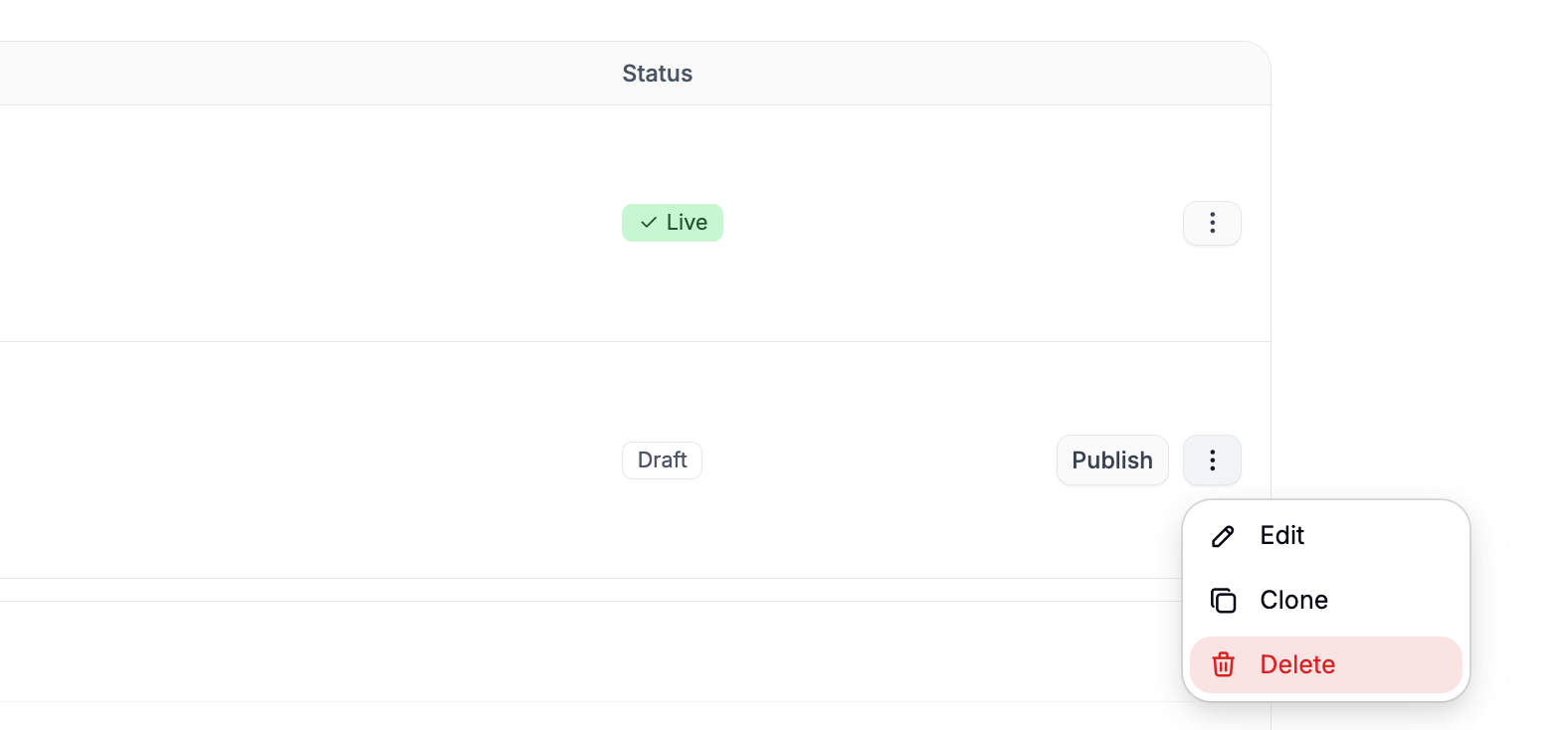
- Navigate to the Storefront tab of the admin dashboard.
- Locate the theme you want to delete.
- Click the three-dot menu (
⋯) on the right-hand side of the theme card. - Select Delete from the dropdown menu.
Only Draft themes can be deleted. Published themes must be unpublished or replaced before they can be removed.