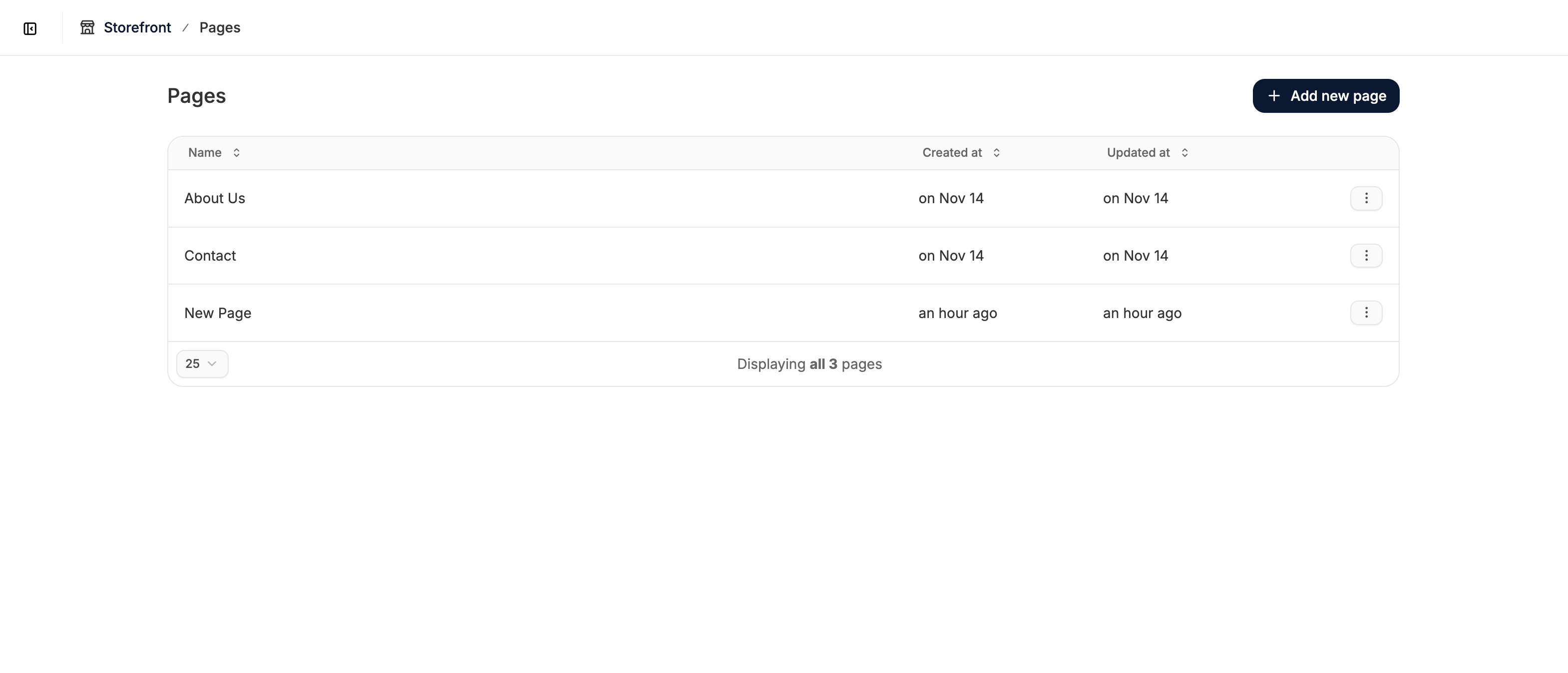
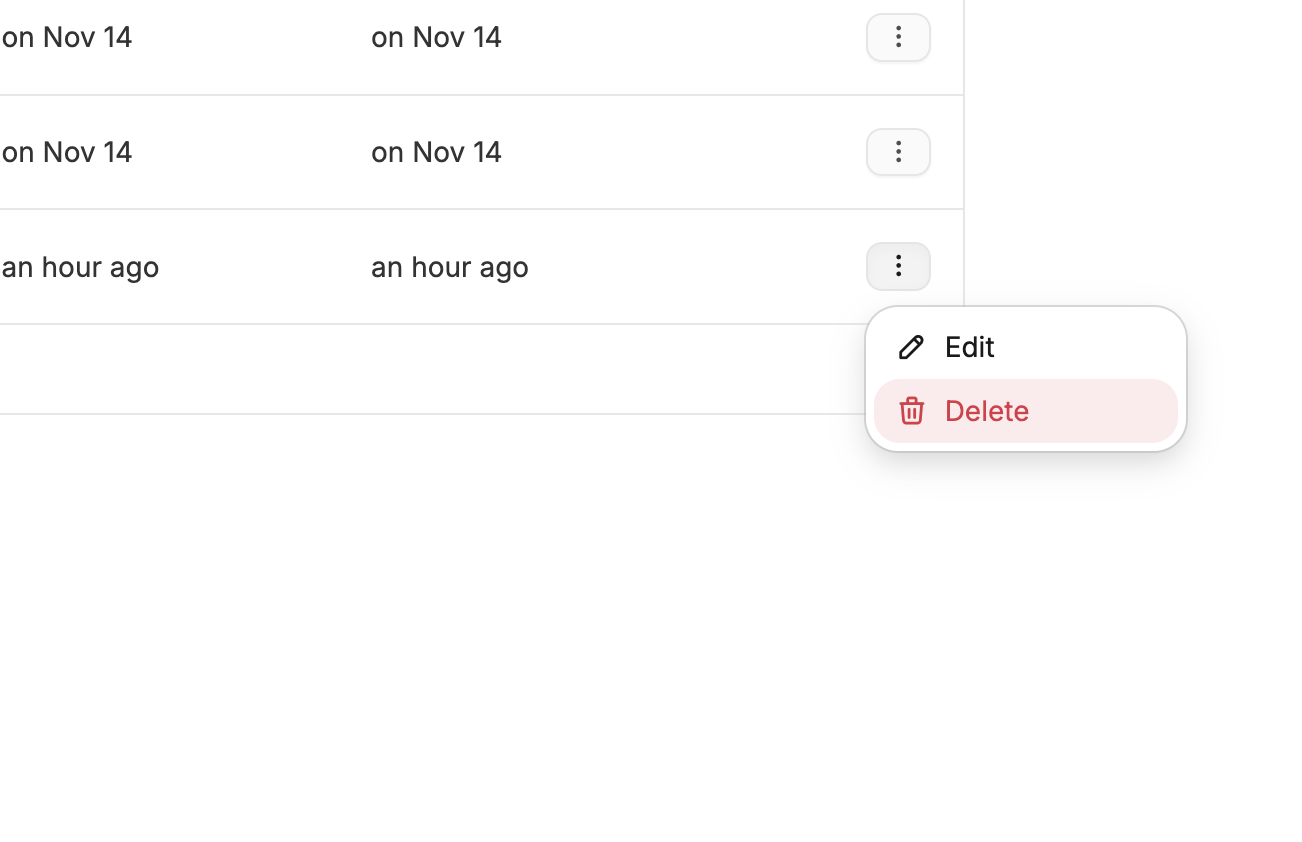
If a landing page is no longer needed, you can delete it directly from the Pages list to keep your admin area organized.Documentation Index
Fetch the complete documentation index at: https://spreecommerce.org/docs/llms.txt
Use this file to discover all available pages before exploring further.
Delete a Page
To delete a page, go to Storefront → Pages in the admin dashboard, and find the page you want to remove.