

Reviewing Claims
The Claims list shows every claim across your orders, one row per claim.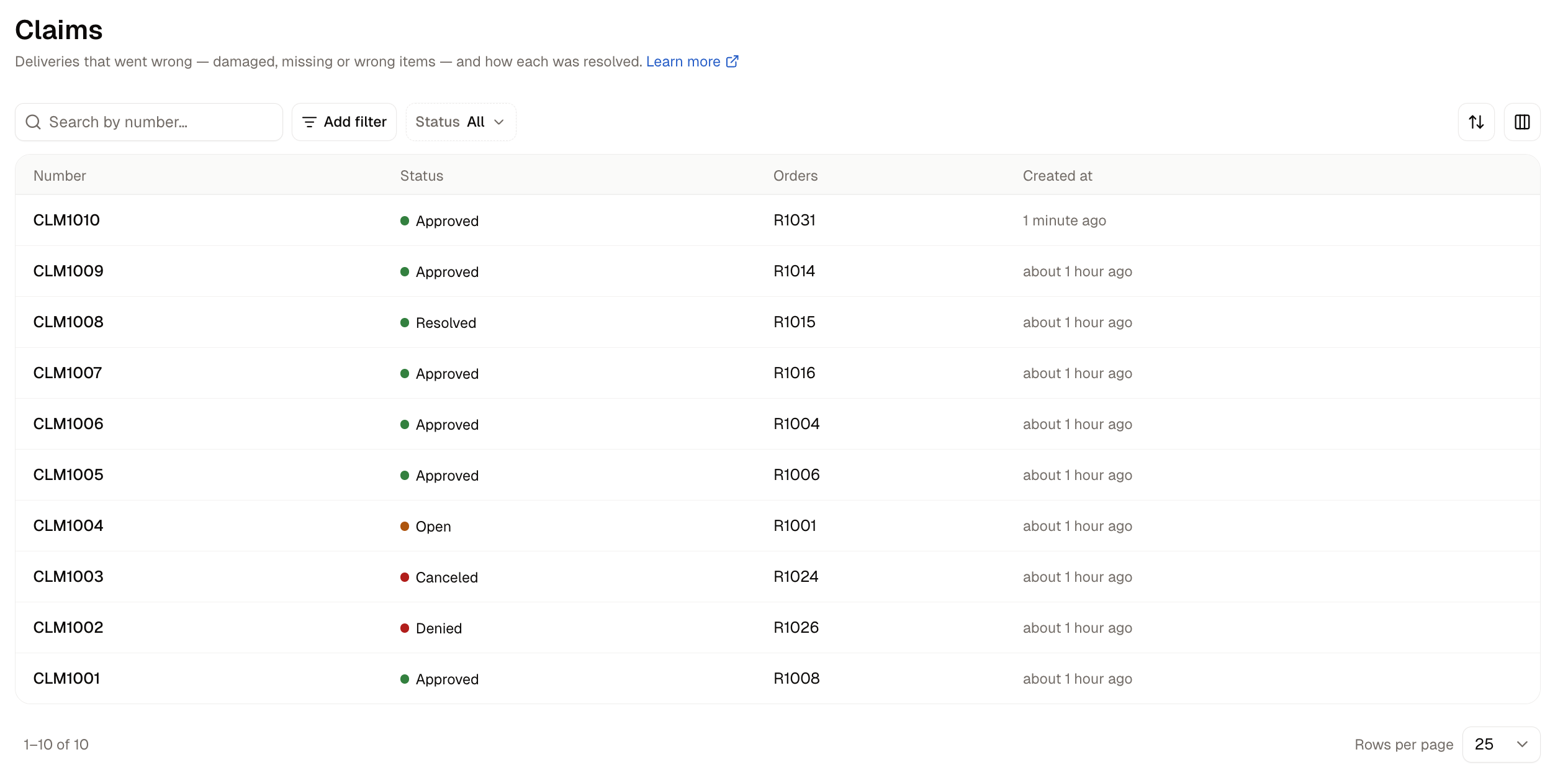
Use the Status filter to see what still needs a decision (Open and Approved) apart from what is settled (Resolved and Denied). The search box finds a claim by its number, and Add filter narrows the list by number or by the date a claim was created or last updated.
How to Open a Claim
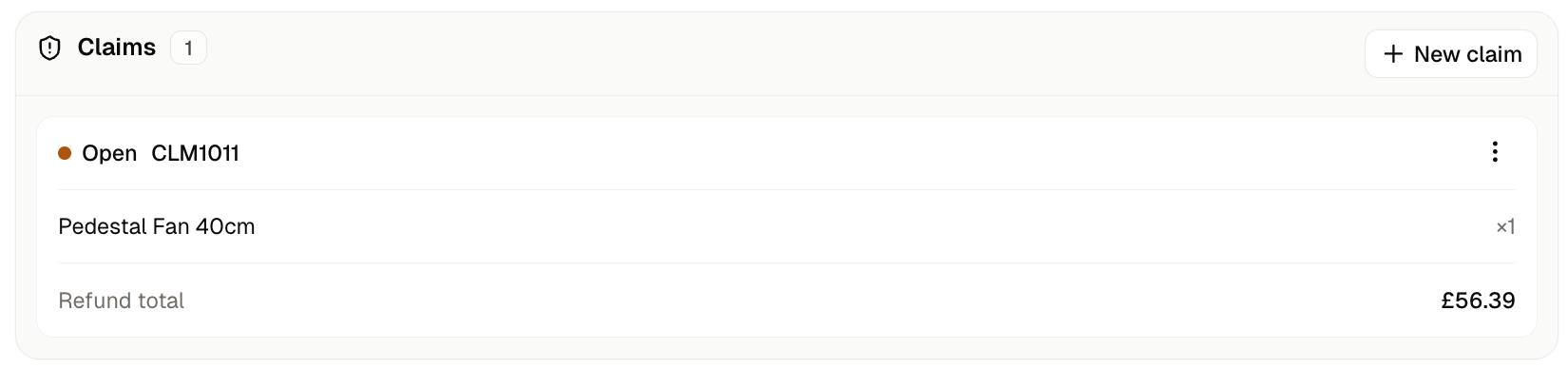
Claims are opened from the order, not from the Claims list. Open the order and find the Claims card.The claim form lists only the units you have already sent, so mark the order as fulfilled before you open a claim.
- Quantity (one box per item sent) - How many units of that item went wrong. Each box starts at 0 and goes up to the number of units you sent.
- Refund amount - Appears under an item once its quantity is above 0, filled in with the item’s price. It is your starting figure for the refund, and you can change it again when you resolve the claim.
- Reason - What went wrong, picked from your list of claim reasons, such as an item that arrived damaged or never arrived.
- Note - Anything your team should know, such as what the customer told you or what the photos show.
How to Resolve a Claim
Every claim goes through a short set of steps, and the Actions menu (the three dots on the claim) offers only the steps that fit its current status.- On the claim, open Actions and choose Approve. The status changes to Approved straight away.
- Open Actions again and choose Resolve. A box opens asking How to resolve.
- Choose how to settle it and fill in the fields that appear, described below.
- Click Resolve. The claim changes to Resolved and its Actions menu disappears.
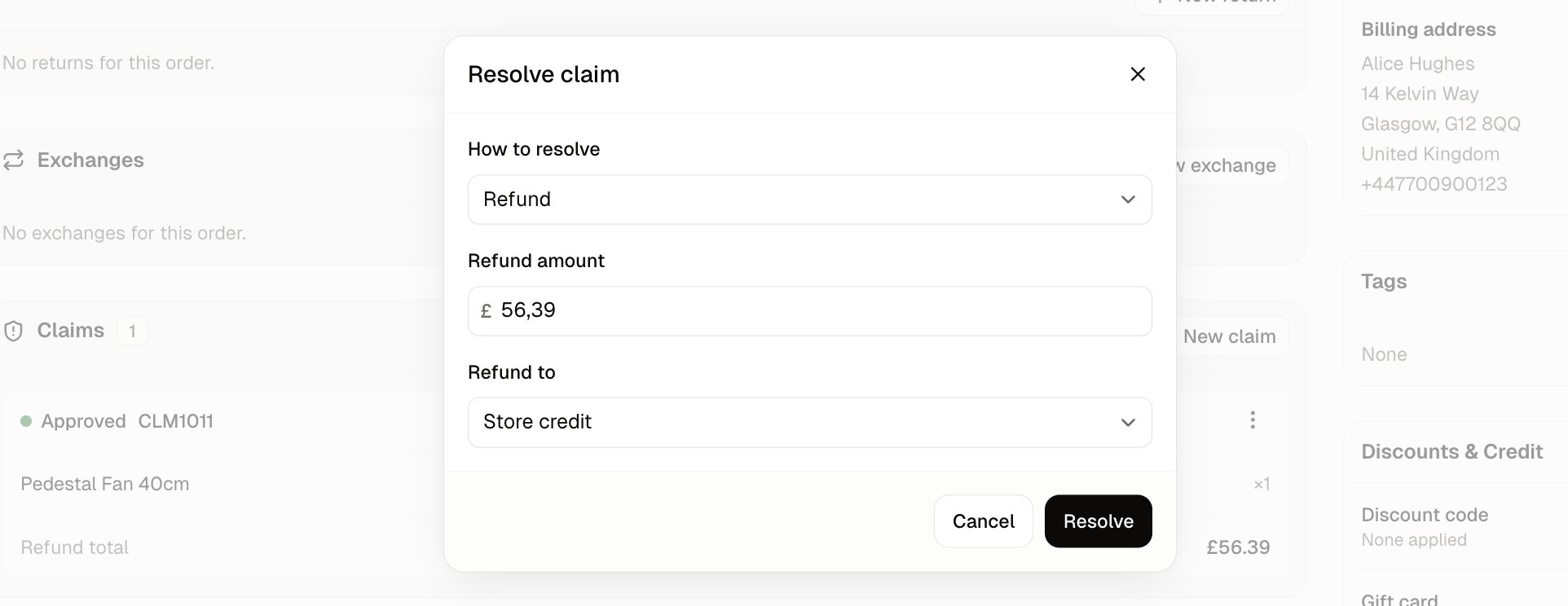
- Refund - Asks for a Refund amount, filled in from the claim, and Refund to, which is where the money goes: Store credit or Original payment.
- Replacement - Asks which items to Send a replacement for, with a switch for each one.
- Refund and replacement - Shows the refund fields and the replacement switches together.
Settling with a refund
Choose Refund, check the amount and pick where the money goes.Refund to starts on Store credit. If the customer expects the money back on their card, change it to Original payment before you click Resolve.
Settling with a replacement
Choose Replacement and turn on the switch for each item you are sending again. The Resolve button stays greyed out until at least one switch is on. When you click Resolve, no money moves. Instead a new fulfillment for the replacement item appears on the same order, with a delivery charge of $0.00 and a Mark as fulfilled button, and the order’s fulfillment status changes to Partial. Sending out a fulfillment is covered in Processing Orders.How to Deny a Claim
Deny a claim when you have looked into it and will not refund or replace anything. You can deny a claim while it is Open.- On the claim, open Actions and choose Deny.
- A box asks you to confirm, warning that the customer will get neither a refund nor a replacement. Click Deny.
Further Reading
- Returns - When the customer sends goods back to you
- Exchanges - When the customer swaps an item for a different one
- Processing Orders - Sending out the replacement fulfillment a claim creates
- Returns & Reasons - Adding and editing the reasons offered on a claim
- Customer Profiles - Your customers’ details, including their store credit