

Reviewing Returns
The Returns list shows every return in the store, whichever order it belongs to.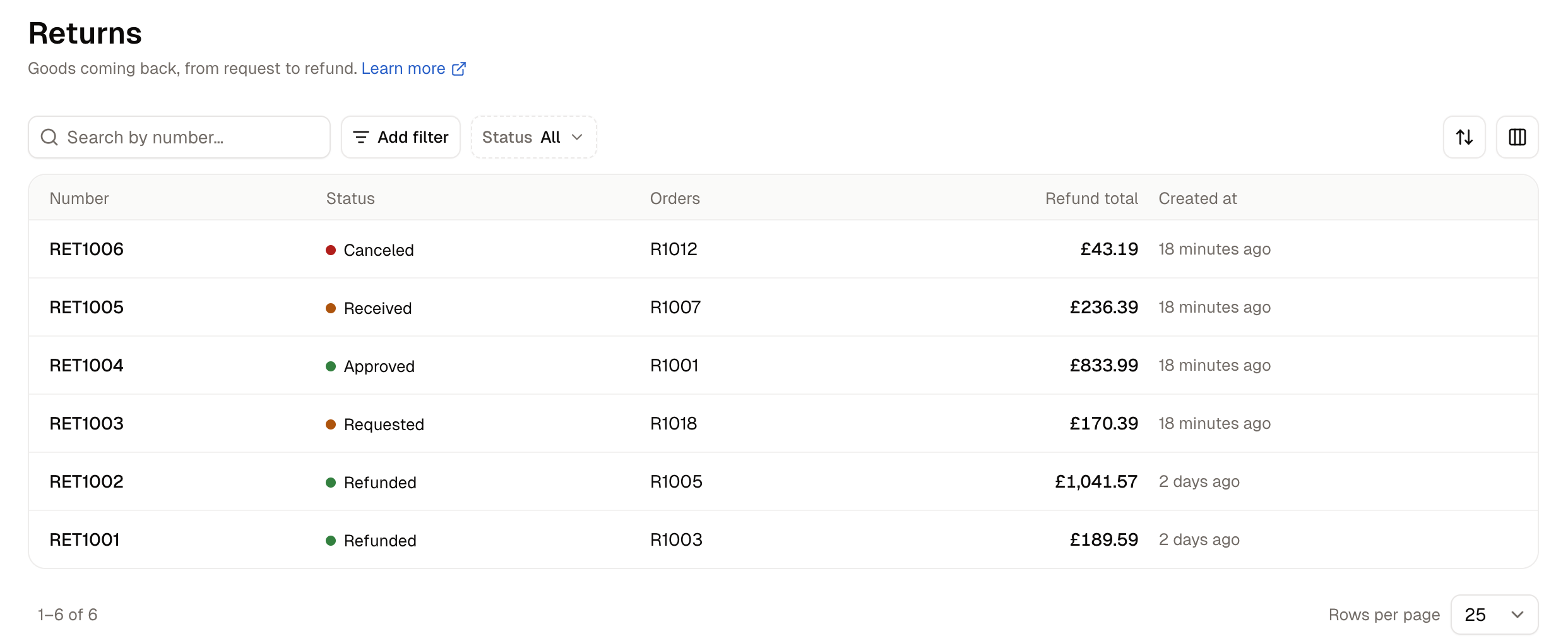
Use the Status filter to see what needs you next: Requested returns are waiting for your approval, Approved ones are waiting for the goods, and Received ones are waiting for a refund. The search box finds a return by its number, and Add filter narrows the list by number or by the date a return was created or last updated.
How to Create a Return
Open the order the goods came from and click New return on its Returns card.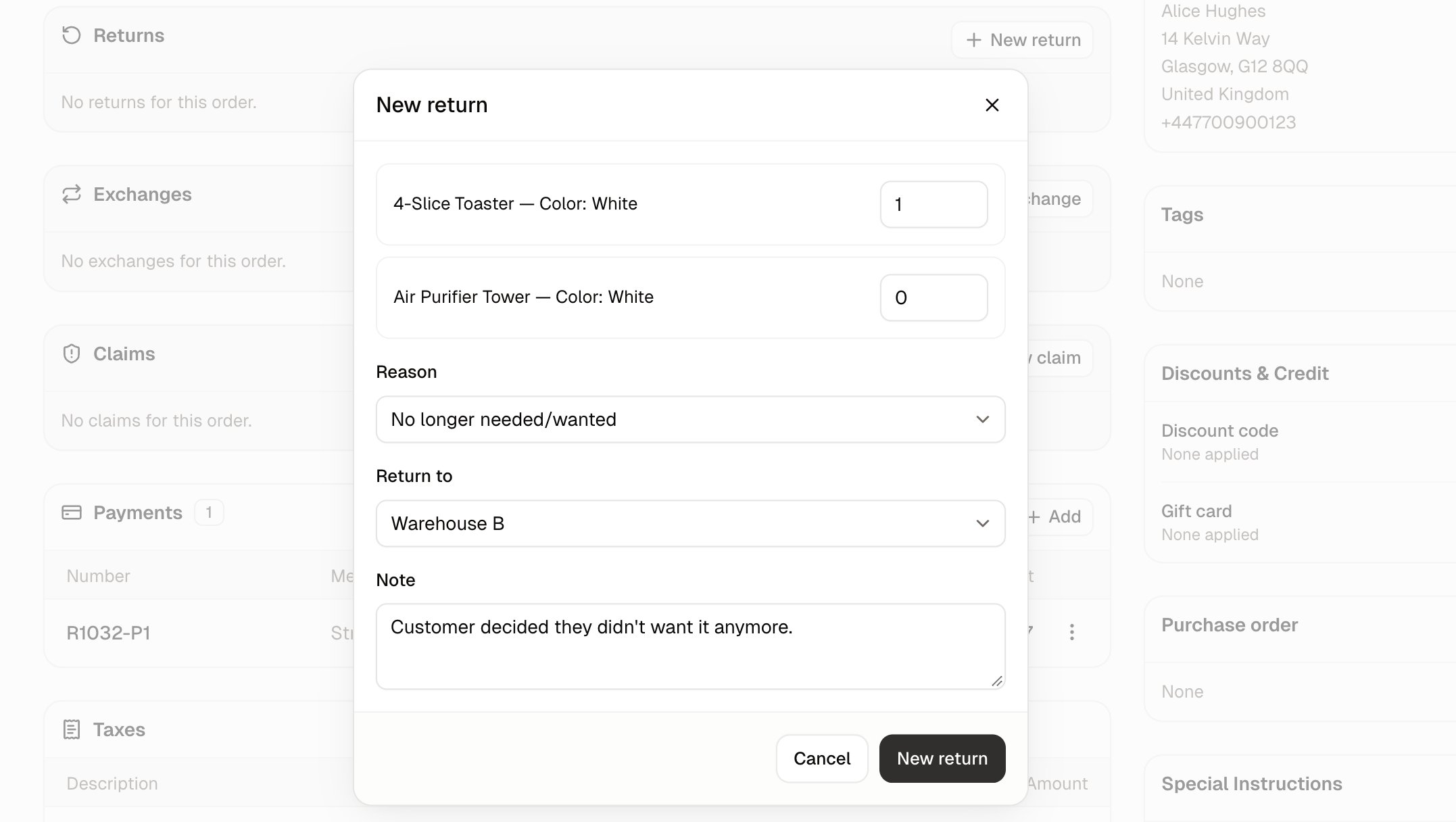
- Quantity - How many of that item the customer is sending back. Every box starts at 0, so nothing goes on the return unless you put it there, and you cannot enter more than were sent.
- Reason - Why the customer is sending it back. The choices come from Settings → Returns & reasons, where you can add your own, see Returns & Reasons.
- Return to - The stock location the goods are coming back to. Leave it on Default returns location or pick one of your warehouses.
- Note - Anything your team should know about this return, such as what the customer told you about the item’s condition.
How to Approve and Receive a Return
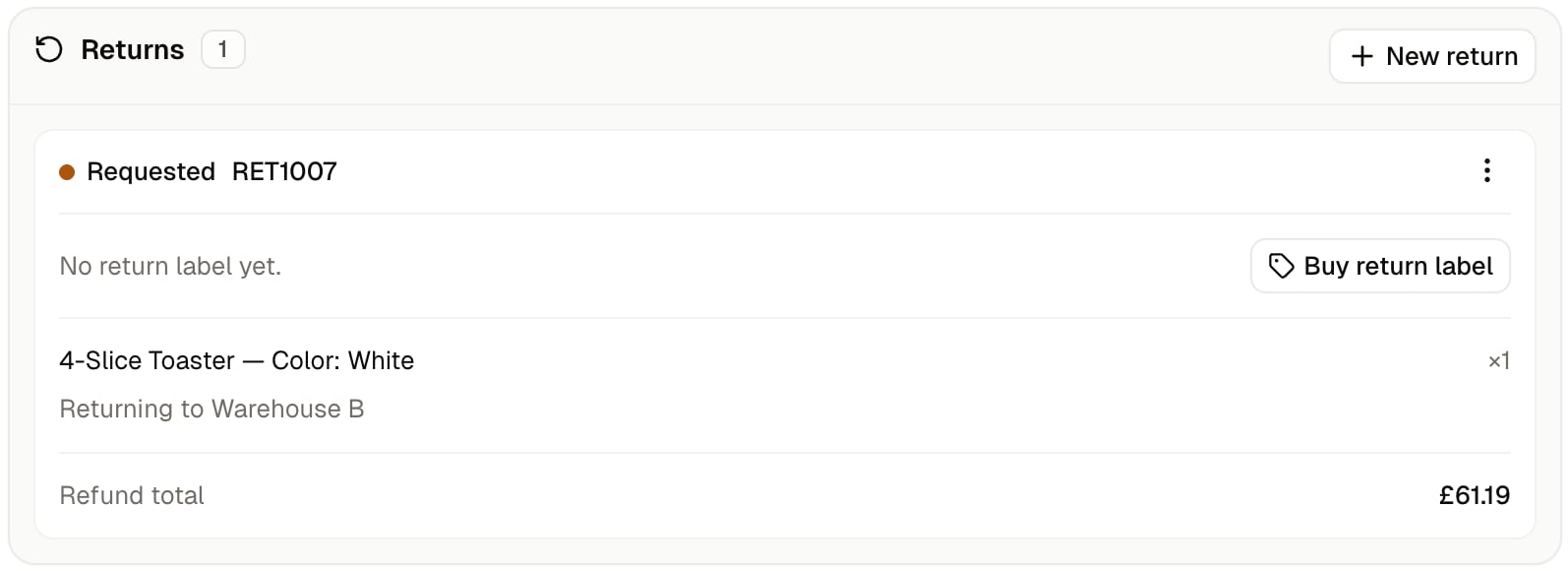
A return moves through five statuses. The Actions button on the return offers only the next steps that make sense for its status.- On the order’s Returns card, click Actions on the return and choose Approve. The status changes to Approved straight away.
- When the parcel arrives, click Actions and choose Receive items. The Receive returned items dialog opens with the Received box filled in with the full quantity on the return.
- Change Received to the number of units that actually arrived. Leave Resellable switched on if they can go back on sale. The switch covers every unit on that line.
- Click Receive items. The return reads Received, the line shows how many arrived against how many were expected (for example 2 of 3 received), and the Refund total drops to the value of what arrived. The resellable units are added back to stock at the return’s warehouse.
Sending the Customer a Return Label
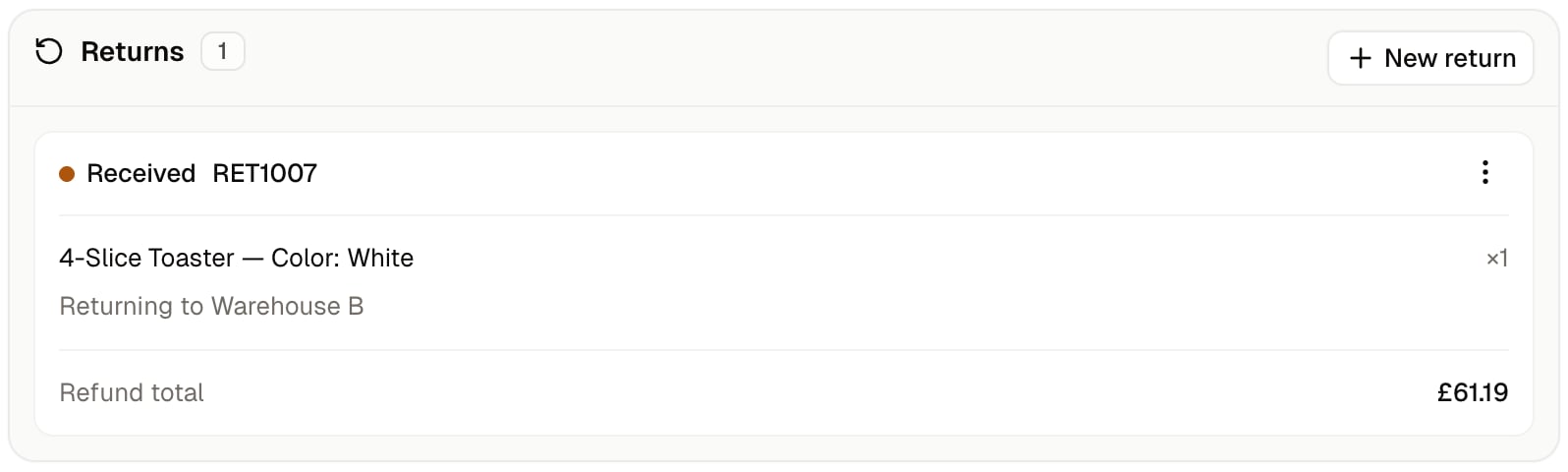
A return starts with No return label yet, and Buy return label on the return buys a prepaid one for the customer to put on the parcel. The button is there while the return is Requested or Approved, and disappears once the goods have been received, since a label is no use after the parcel has arrived. A label bought outside Spree can be recorded against the return instead, so the return still carries the tracking whoever bought it.How to Refund a Return
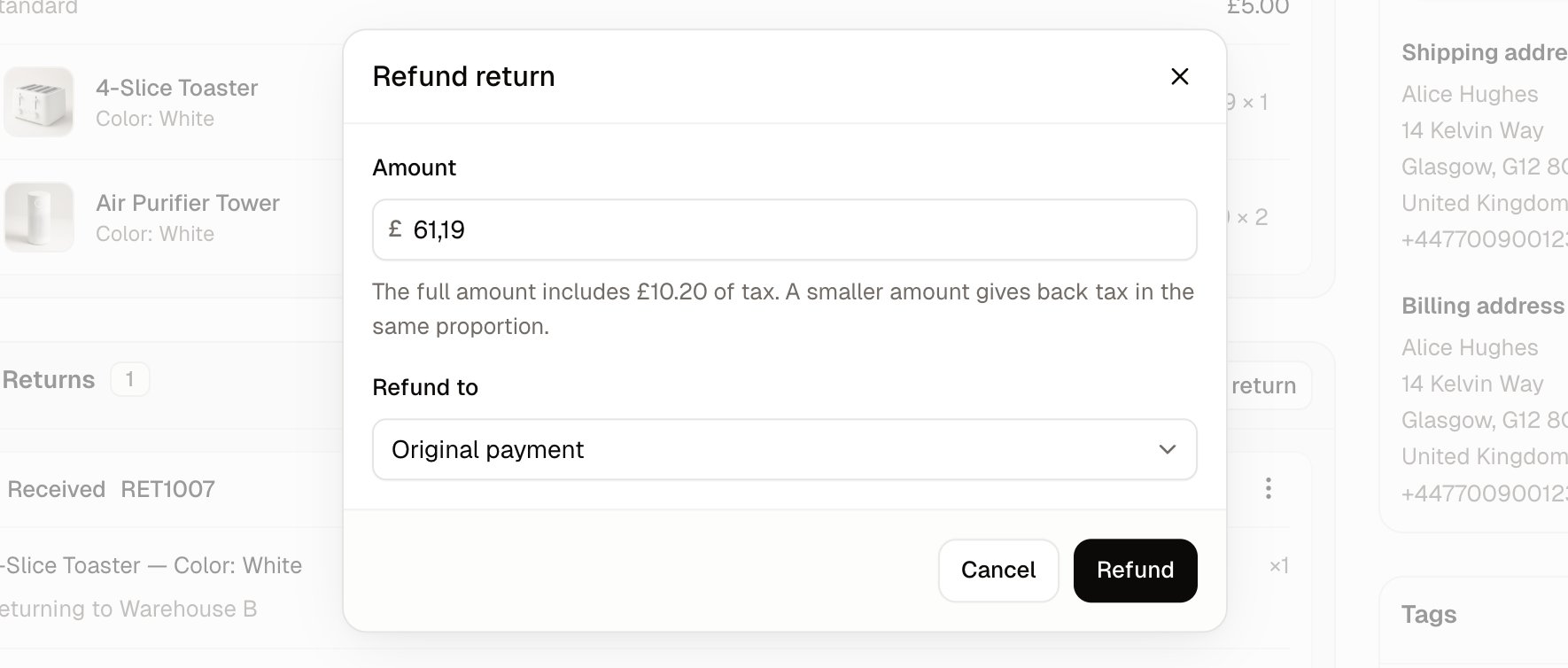
Once a return is Received, click Actions and choose Refund. The Refund return dialog opens.- Amount - What the customer gets back. It is filled in with the price of the units you received, without the delivery charge, and you can change it before you refund.
- Refund to - Where the money goes. Original payment sends it back to the card or method the customer paid with. Store credit adds it to the customer’s store credit balance, which you can see on their customer page, so they can spend it in your store.
Further Reading
- Returns & Reasons - Add and manage the reasons your team picks from when opening a return.
- Exchanges - Swap an item for a different size, color or product instead of refunding it.
- Claims - Deal with a delivery that arrived damaged, wrong or not at all.
- Issue Store Credits - Work with the store credit balance a refund can go to.
- Processing Orders - Fulfilling an order, and the refunds a cancellation makes.