

How to Export Your Product Catalog
To export your product catalog, navigate to the Products tab of the admin dashboard.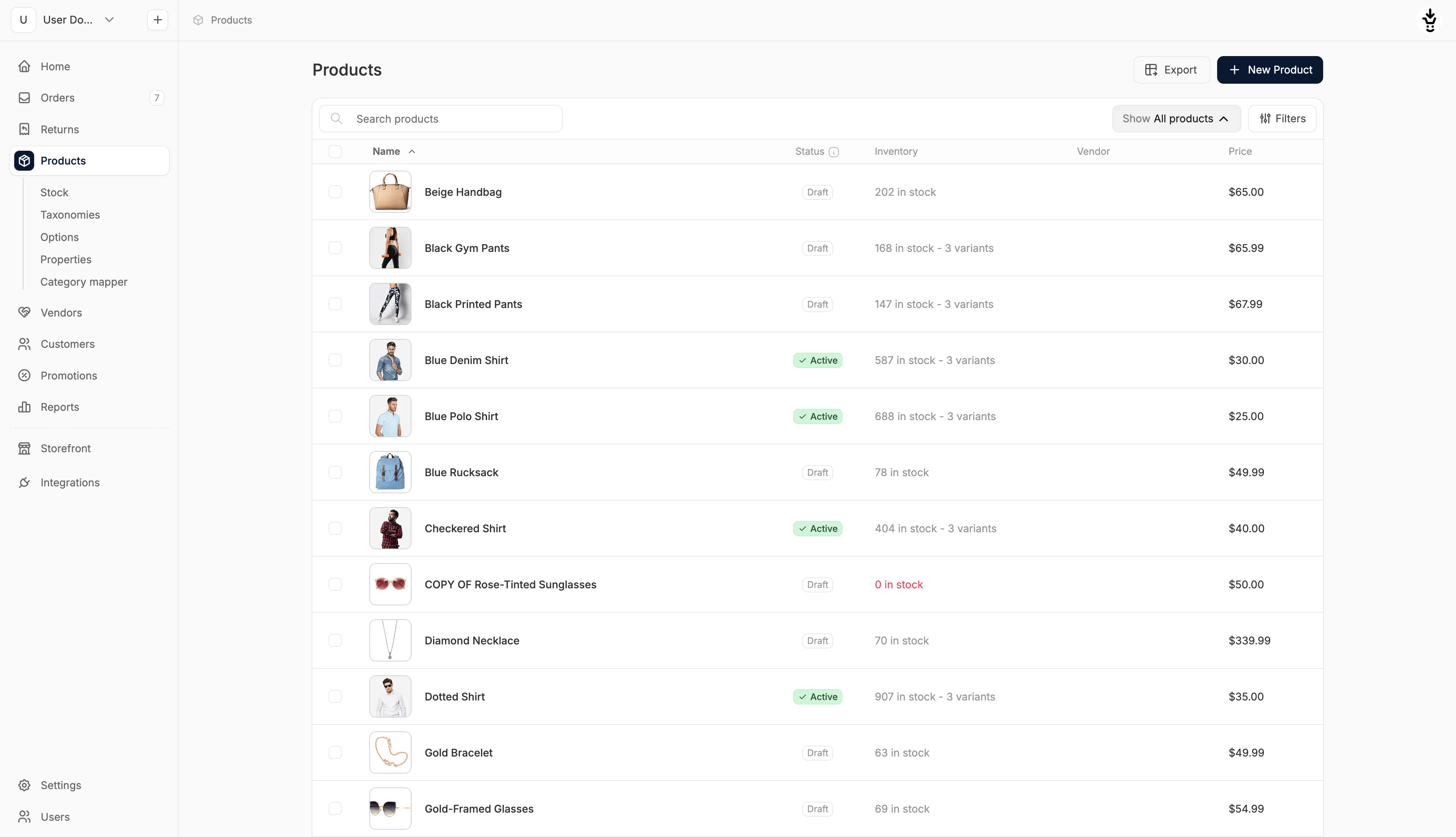 Click on Export in the top right corner.
 This opens an export modal that gives you two options to choose from:
- Filtered Records: Export only filtered records matching the search criteria
- All: Export all records (can be slow for large datasets)
If your store sells in multiple currencies, the exported file will automatically include additional price-only rows for each currency. See Multi-Currency Import/Export for details on how these rows work.