Accessing a Customer Profile
To access a customer’s profile, navigate to Customers in the admin dashboard.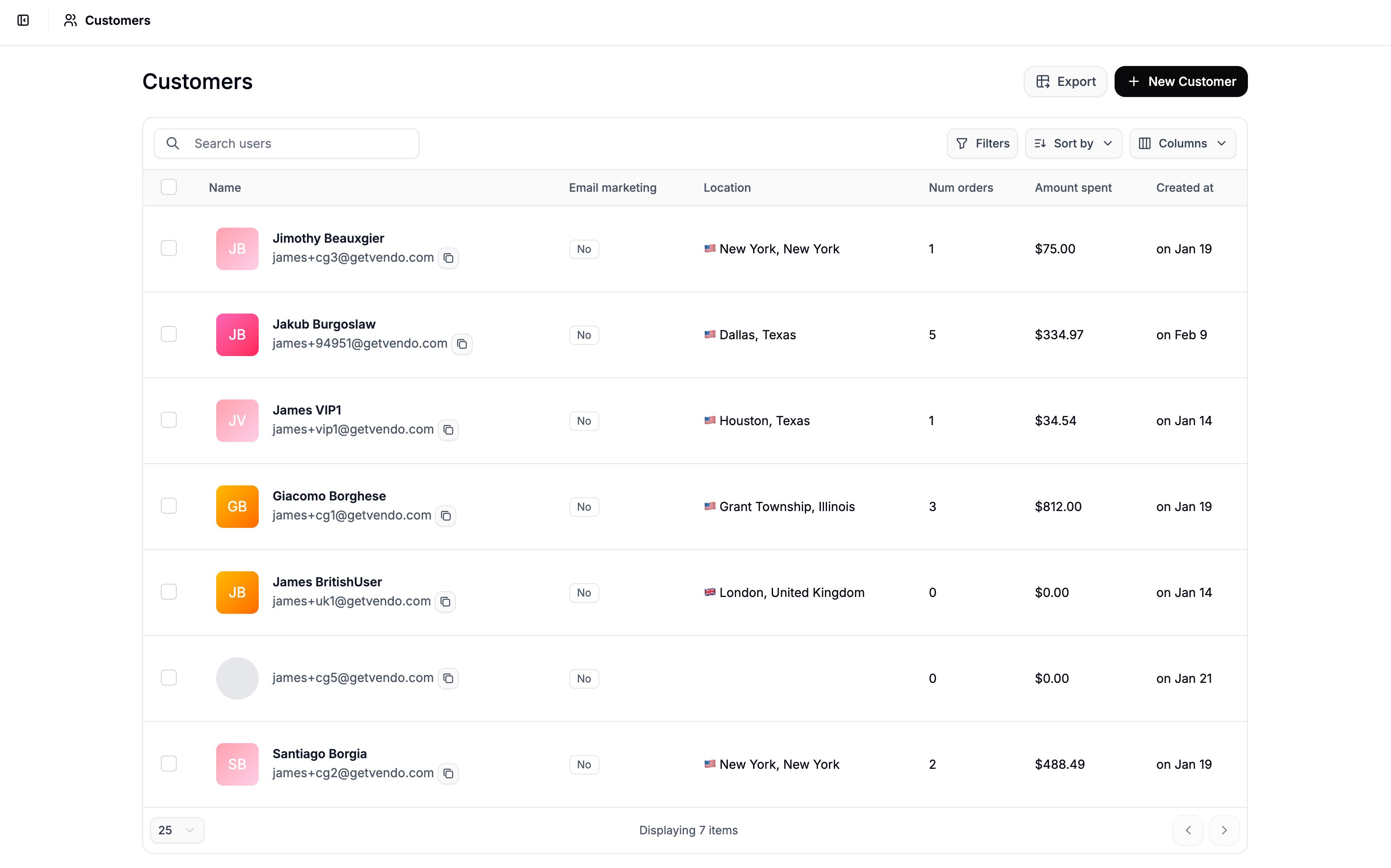
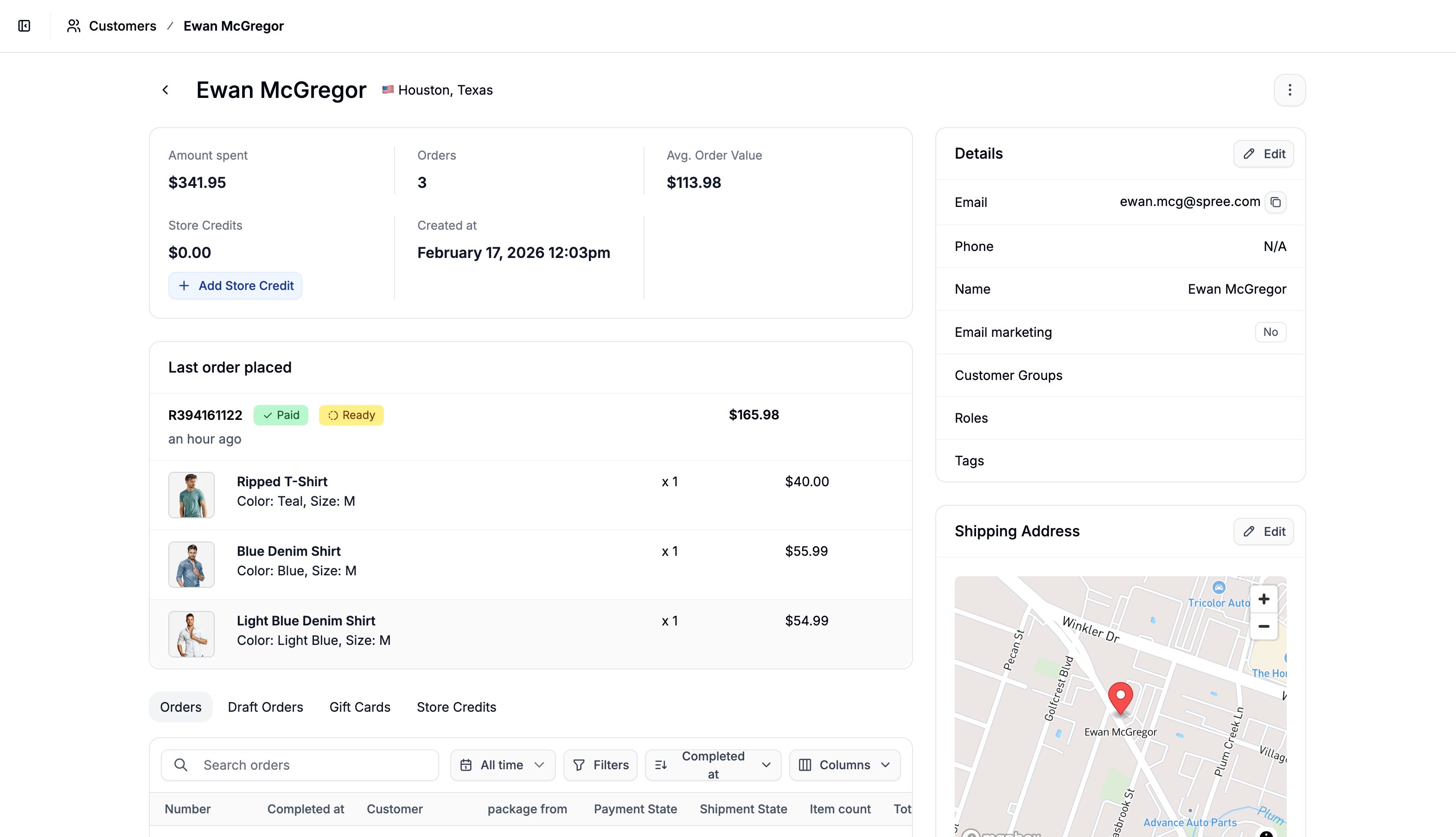
User Analytics
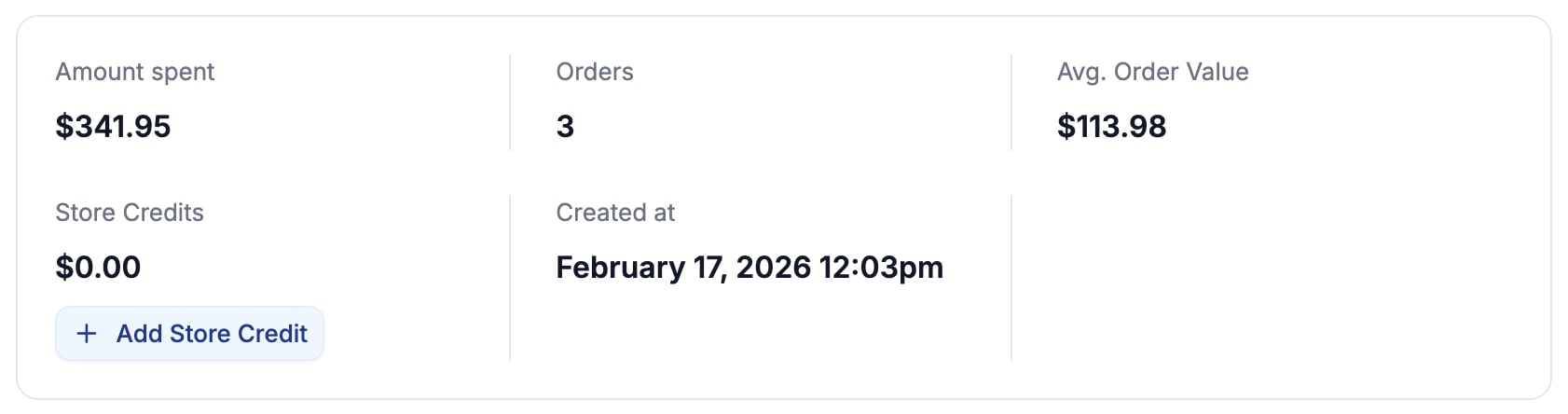
- Total Amount Spent
- Number of Orders
- Average Order Value
- Store Credits
- Shows the value of store credits the customer has available
- You can assign store credits here by clicking Add Store Credit
- Created At date, i.e., when they became a customer
Details
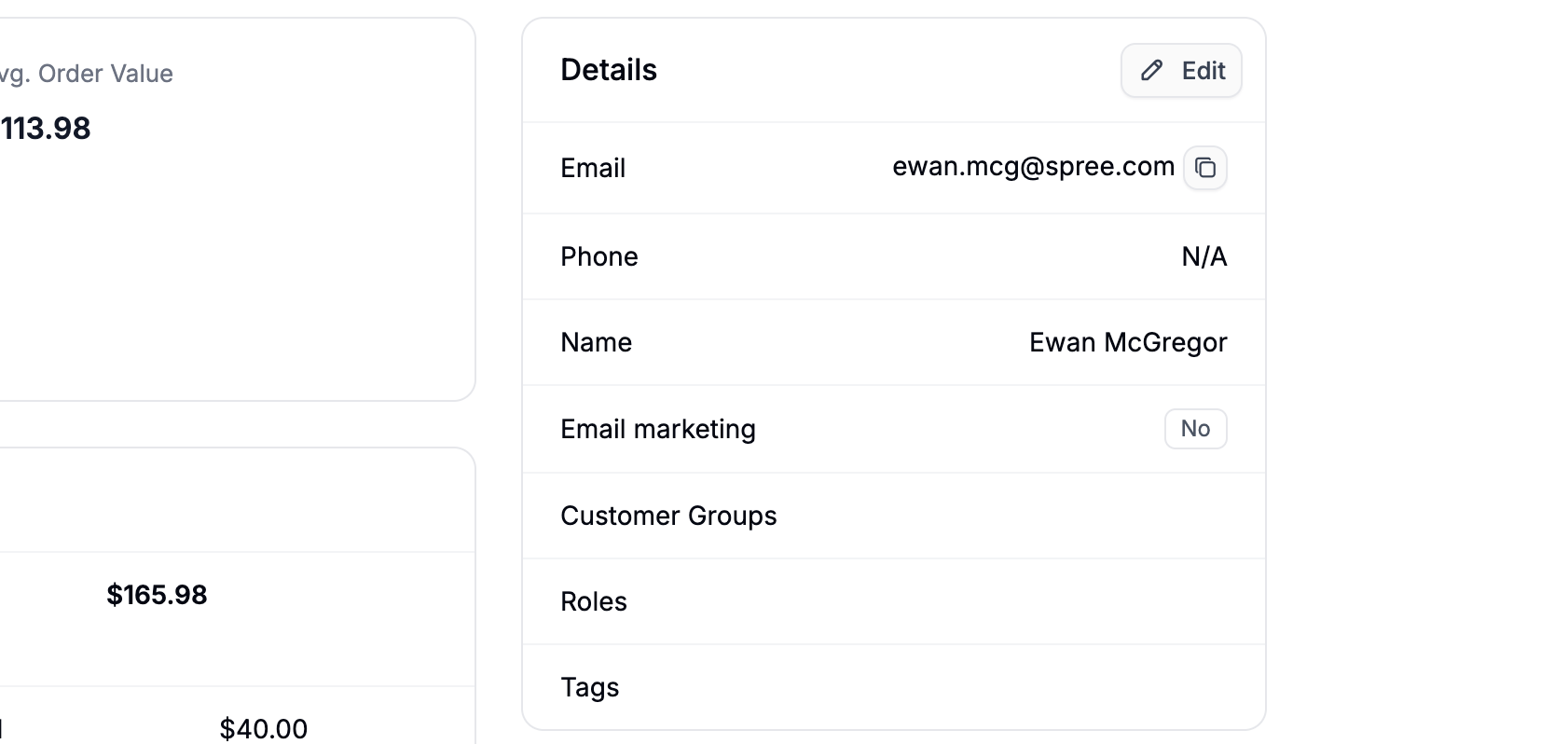
- Email address
- Phone number
- First and last name
- Email marketing opt-in status
- Assigned Customer Groups
- Customer tags
You can use tags and customer groups to segment customers for promotions, pricing rules, or internal organization.
Addresses
Shipping Address
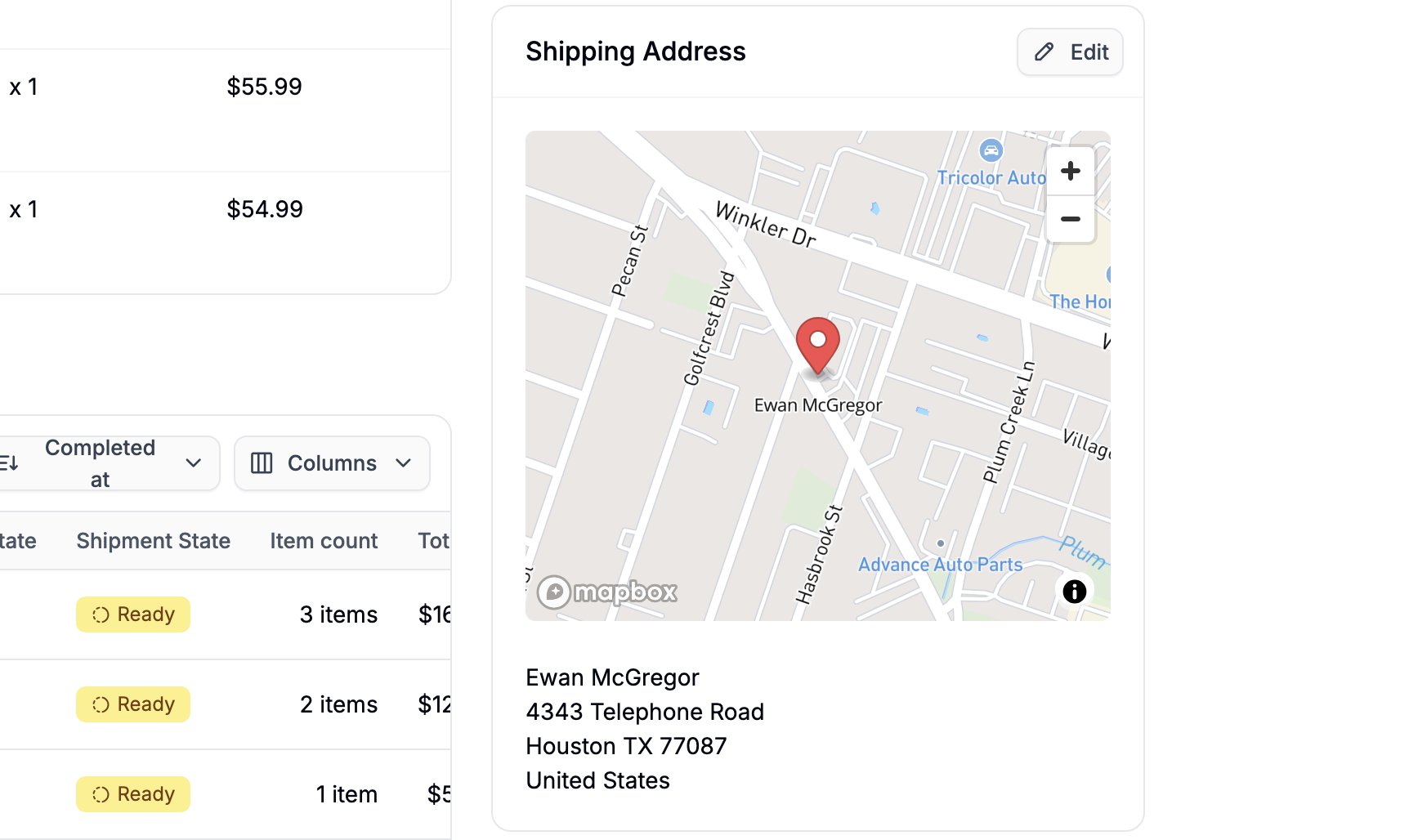
If a Google Maps API key is connected, a map preview with a pinned location will also be shown.
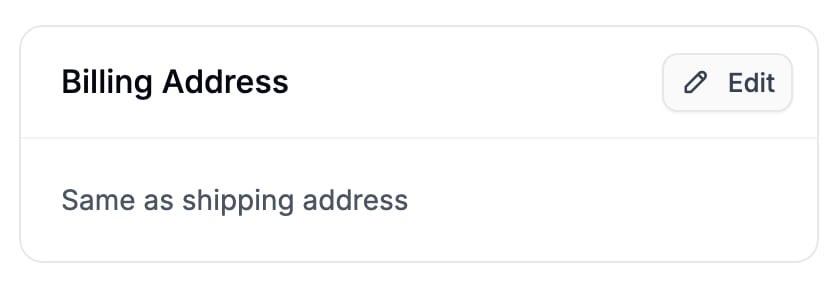
Billing Address
Internal Note
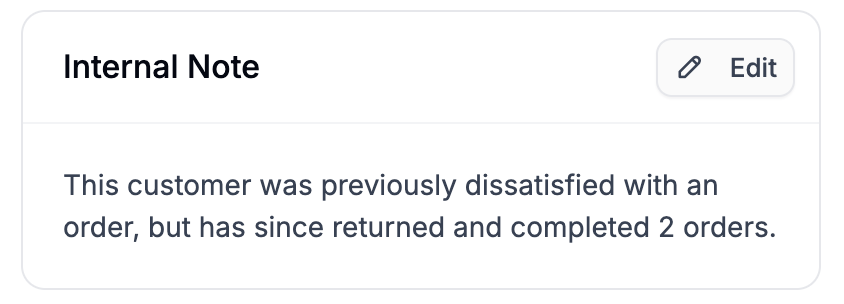
- Document special agreements or pricing arrangements
- Flag account concern
- Record support interactions
- Add context for other team members
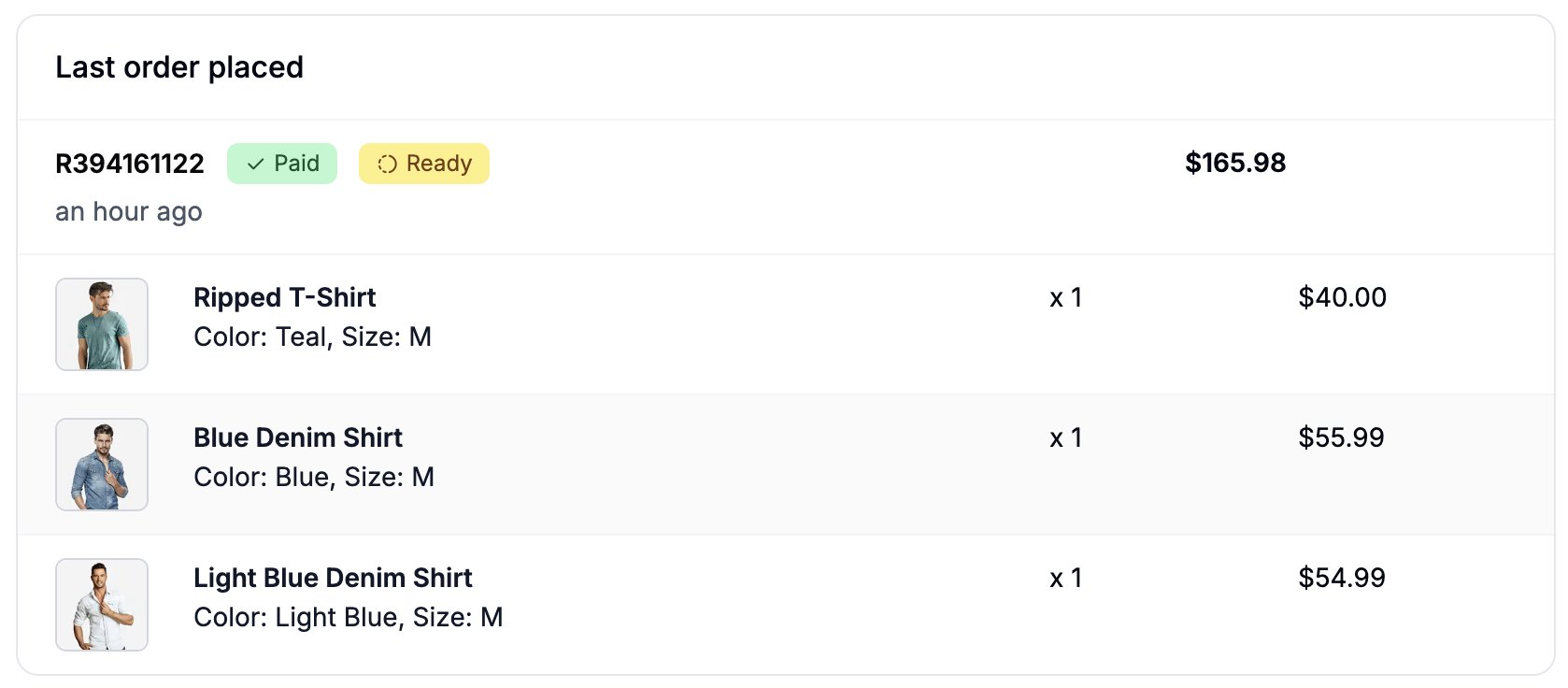
Last Order Placed
Orders
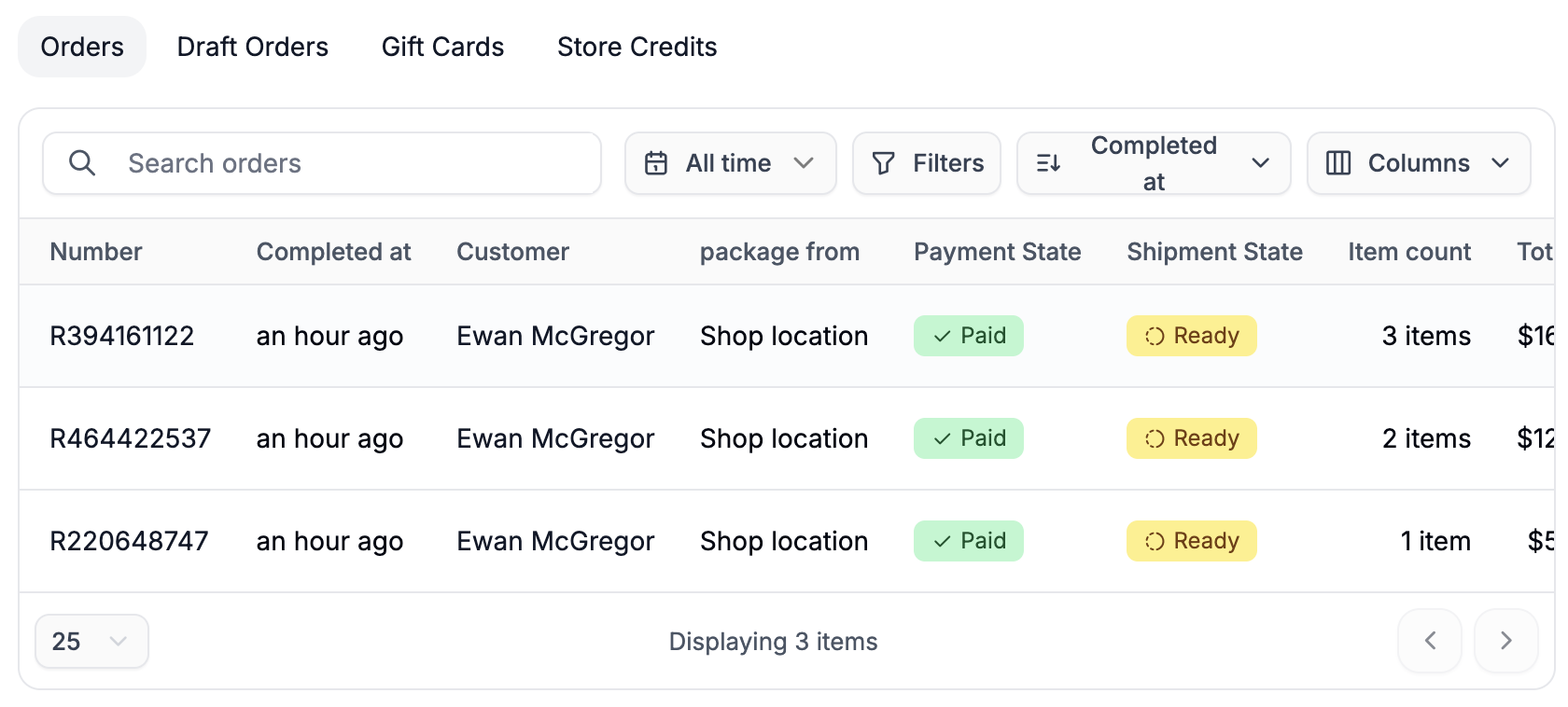
- Search within the customer’s orders
- Apply filters
- Sort and select which columns to display
Draft Orders
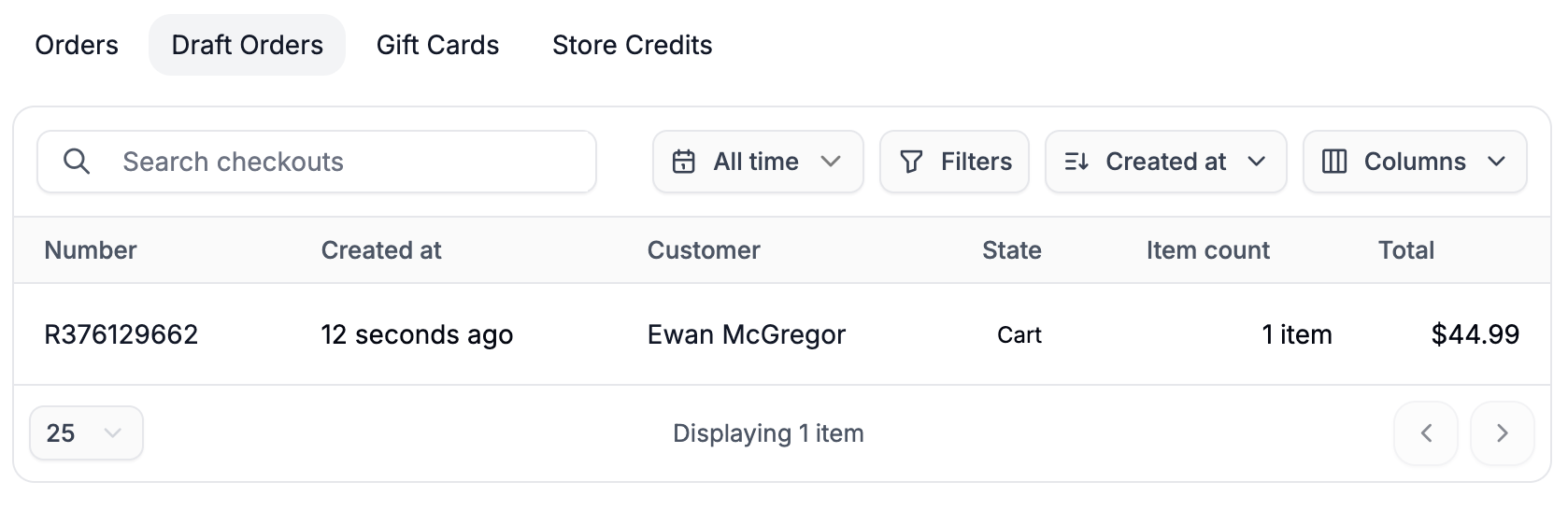
- Abandoned carts
- Admin-created orders that are not yet completed
- Orders without attached payments
Gift Cards
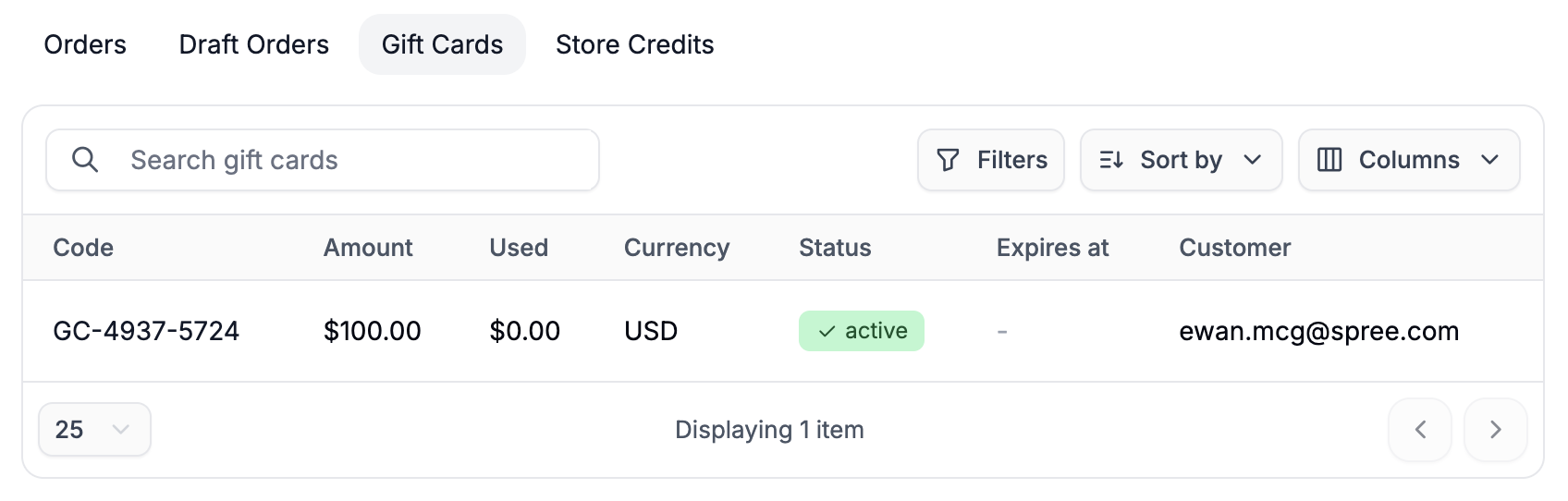
- Current balance
- Amount used
- Currency
- Status
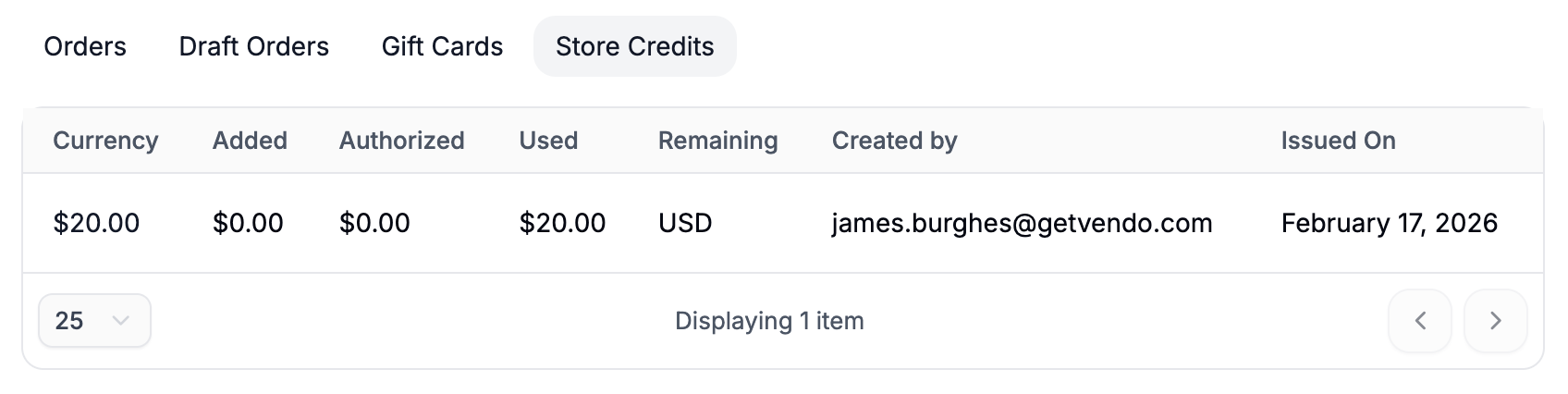
Store Credits