

Create a New Customer
To a create a new customer, navigate to Customers in the admin dashboard.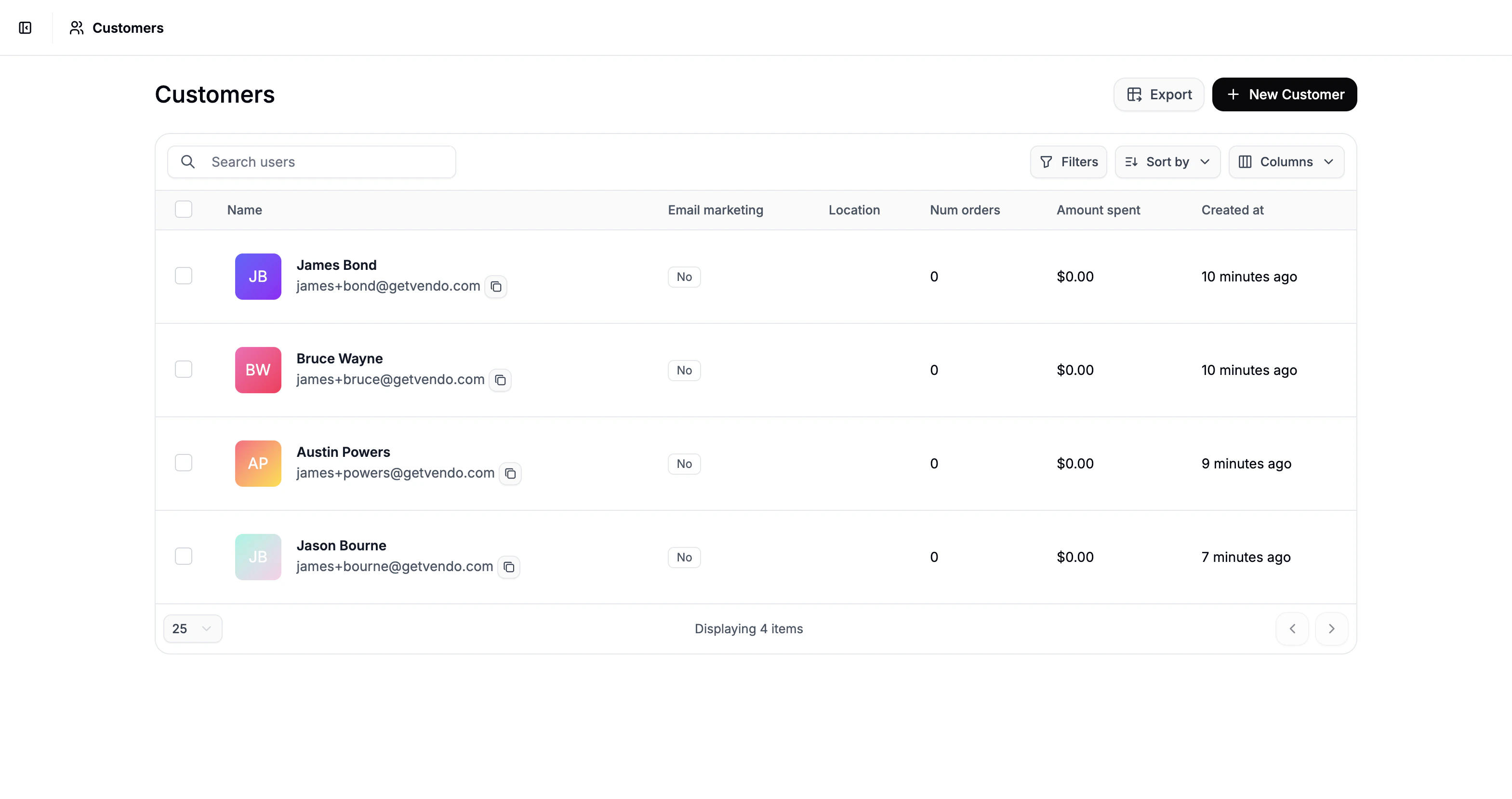
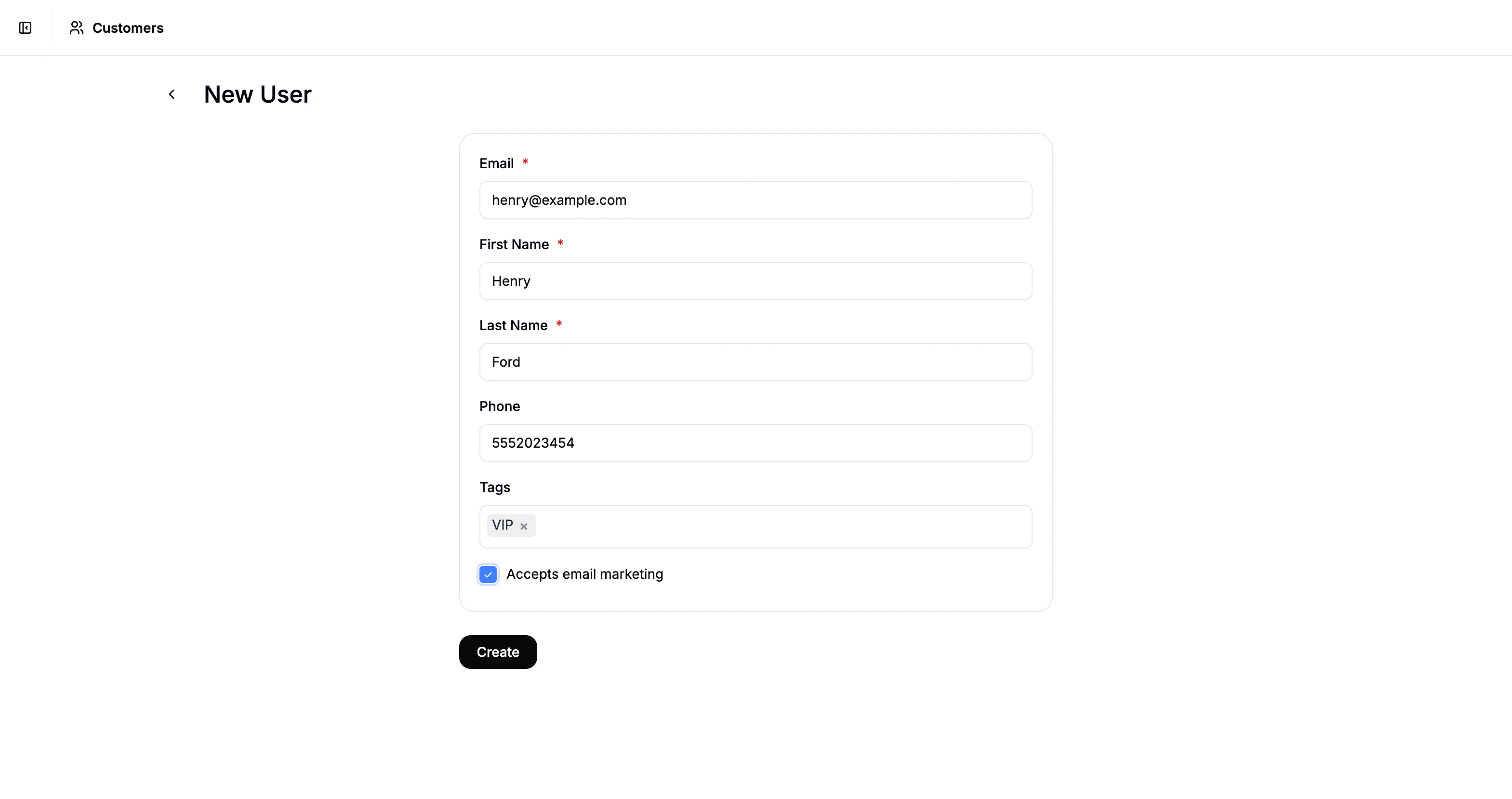
- First Name
- Last Name
- Phone Number (optional)
- Tags (optional)
Tags help you categorize and segment customers based on purchasing behavior or account type, and can improve filtering, reporting, and personalization.
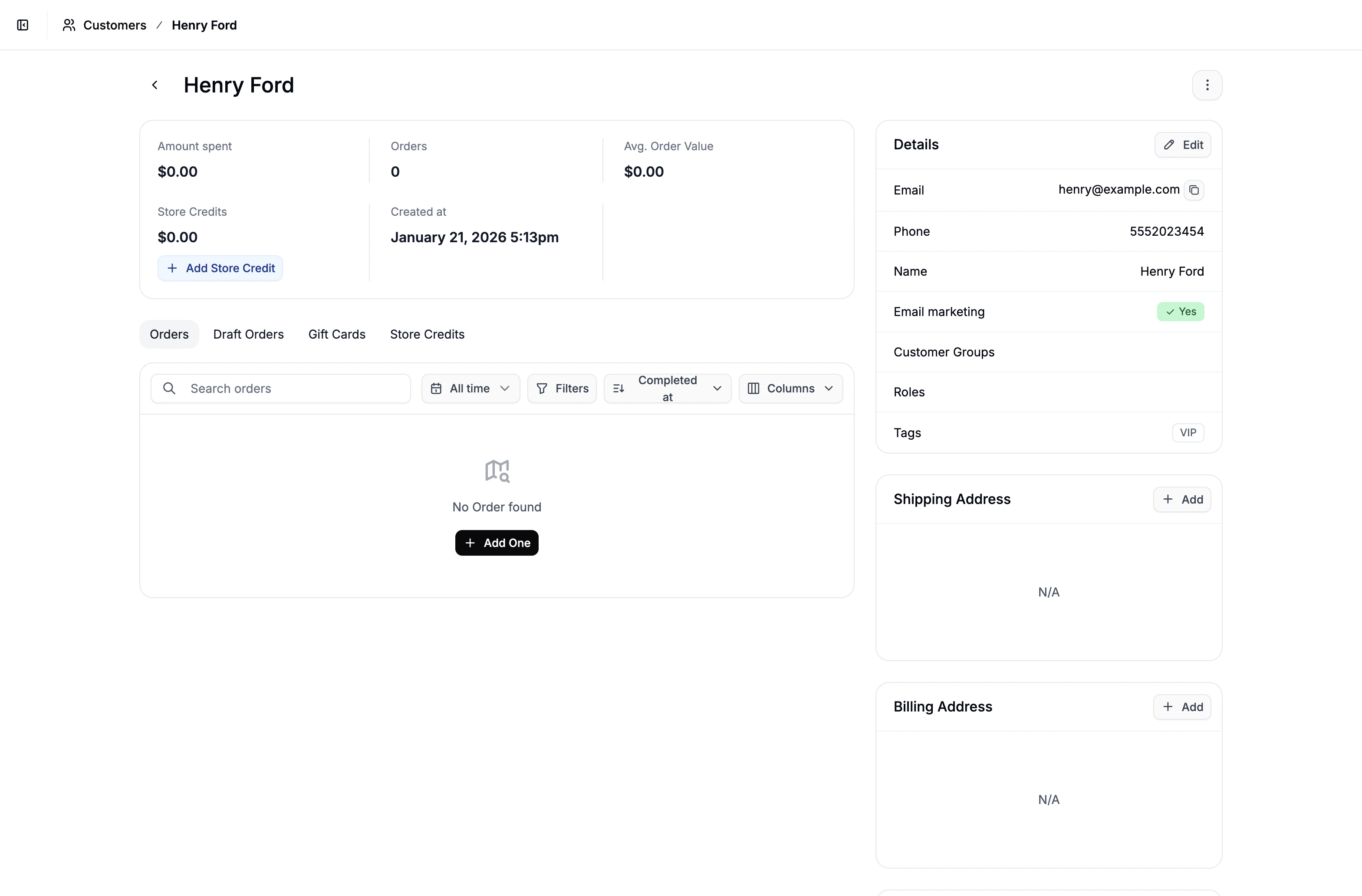
Add Shipping Address
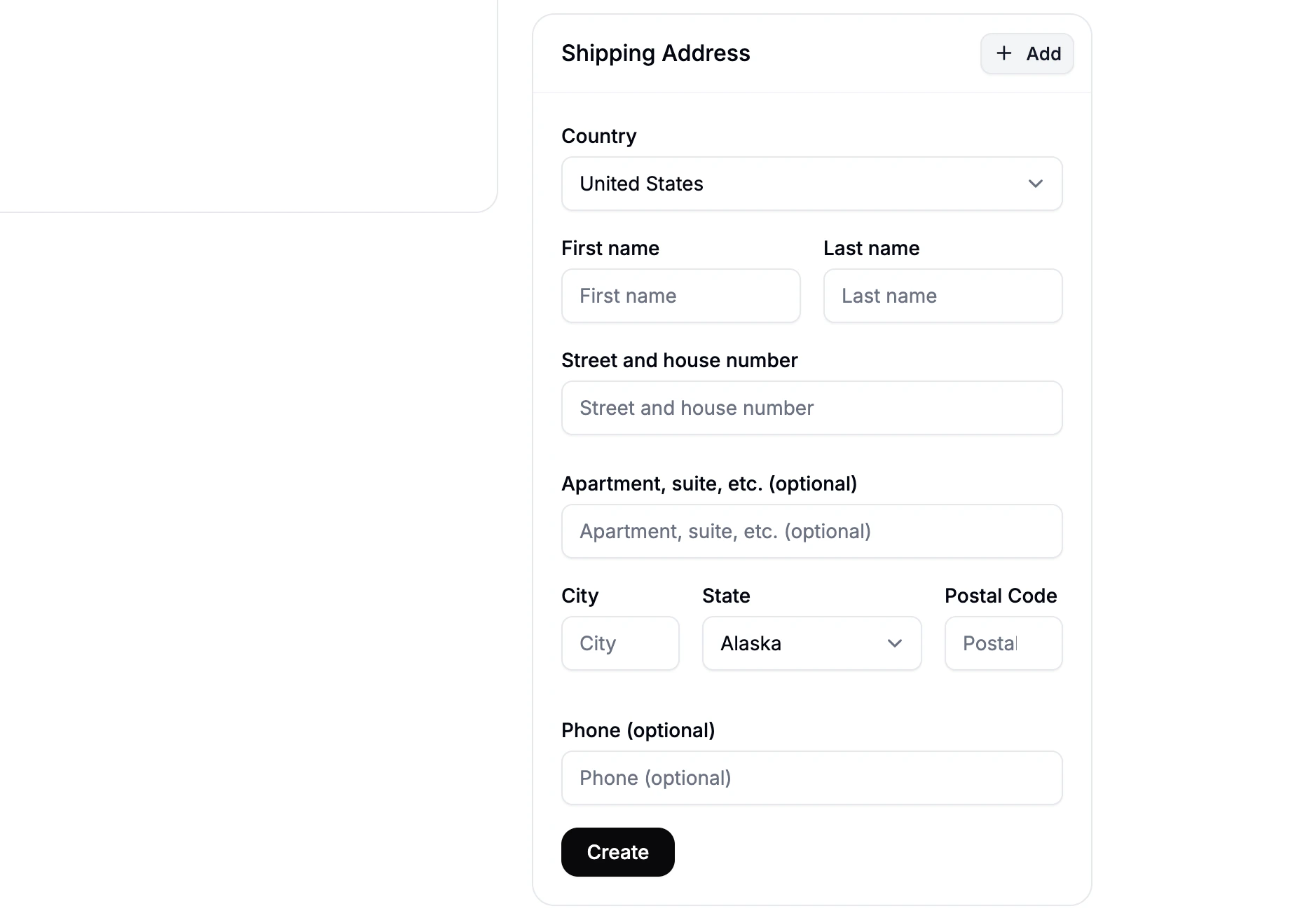
- Locate the Shipping Address section of the customer’s profile
- Click Add to open the address form
- Fill in the customers shipping details and click Create
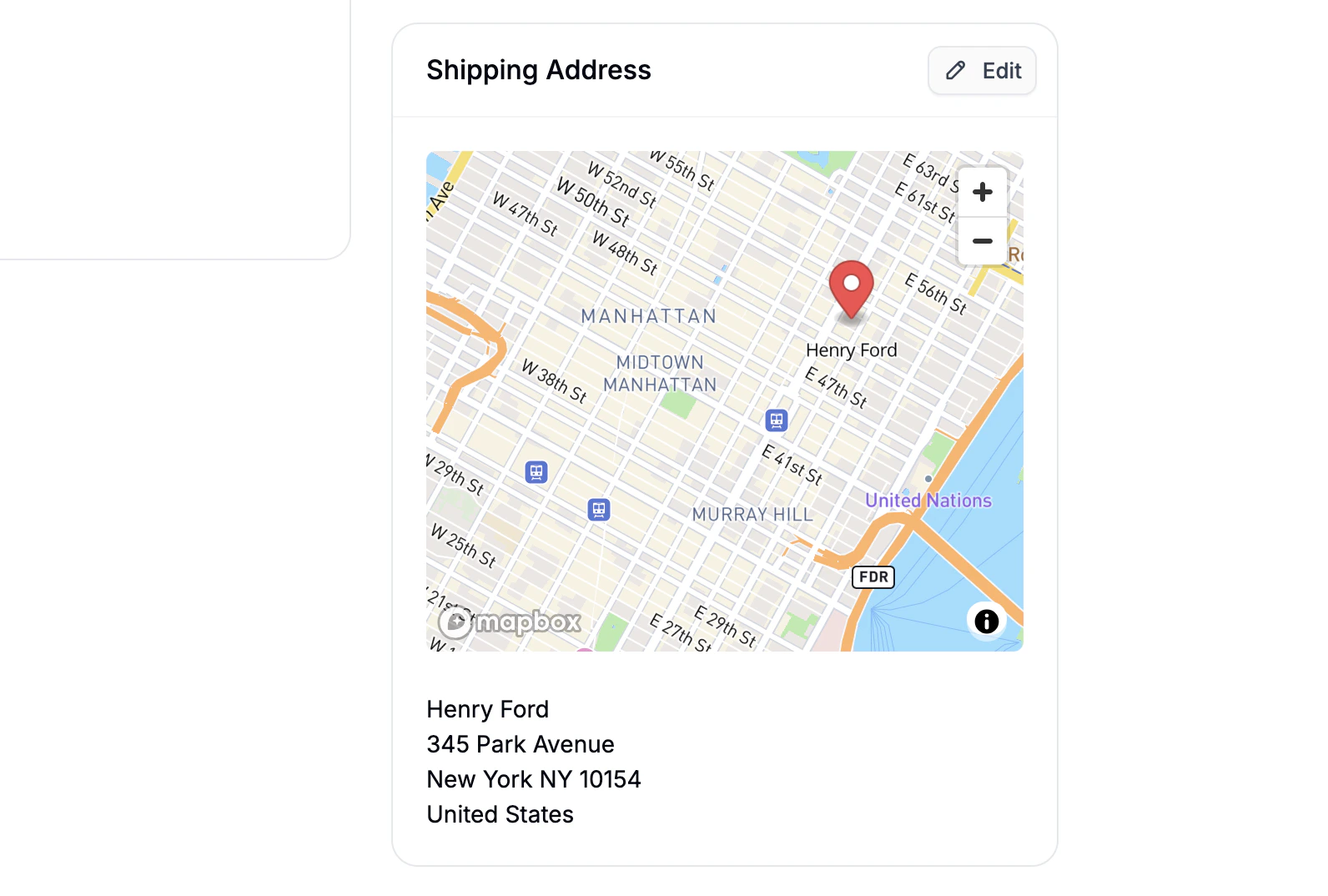
If your store has the Google Maps API connected, a map will appear alongside the saved address, pinpointing the customer’s location. This can help visually confirm the accuracy of the address.
Add Billing Address
By default the billing address is set to Same as Shipping Address. To use a different billing address:- Click Edit under the Billing Address section.
- Select Add New Address, enter the billing address, and click Create.