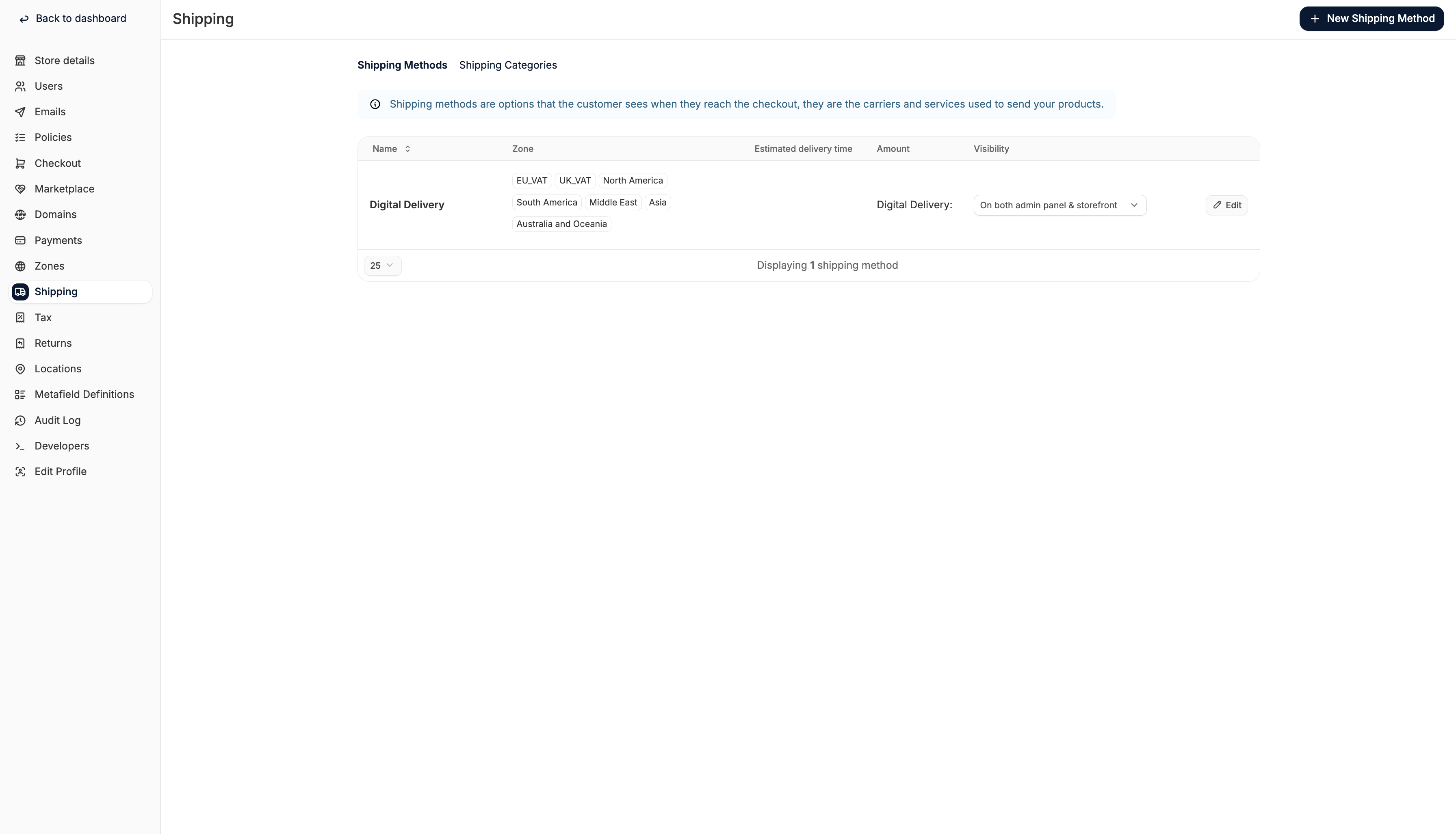
Add a New Shipping Method
To add a new shipping method, click New Shipping Method in the top right corner. This will open the shipping method creation form.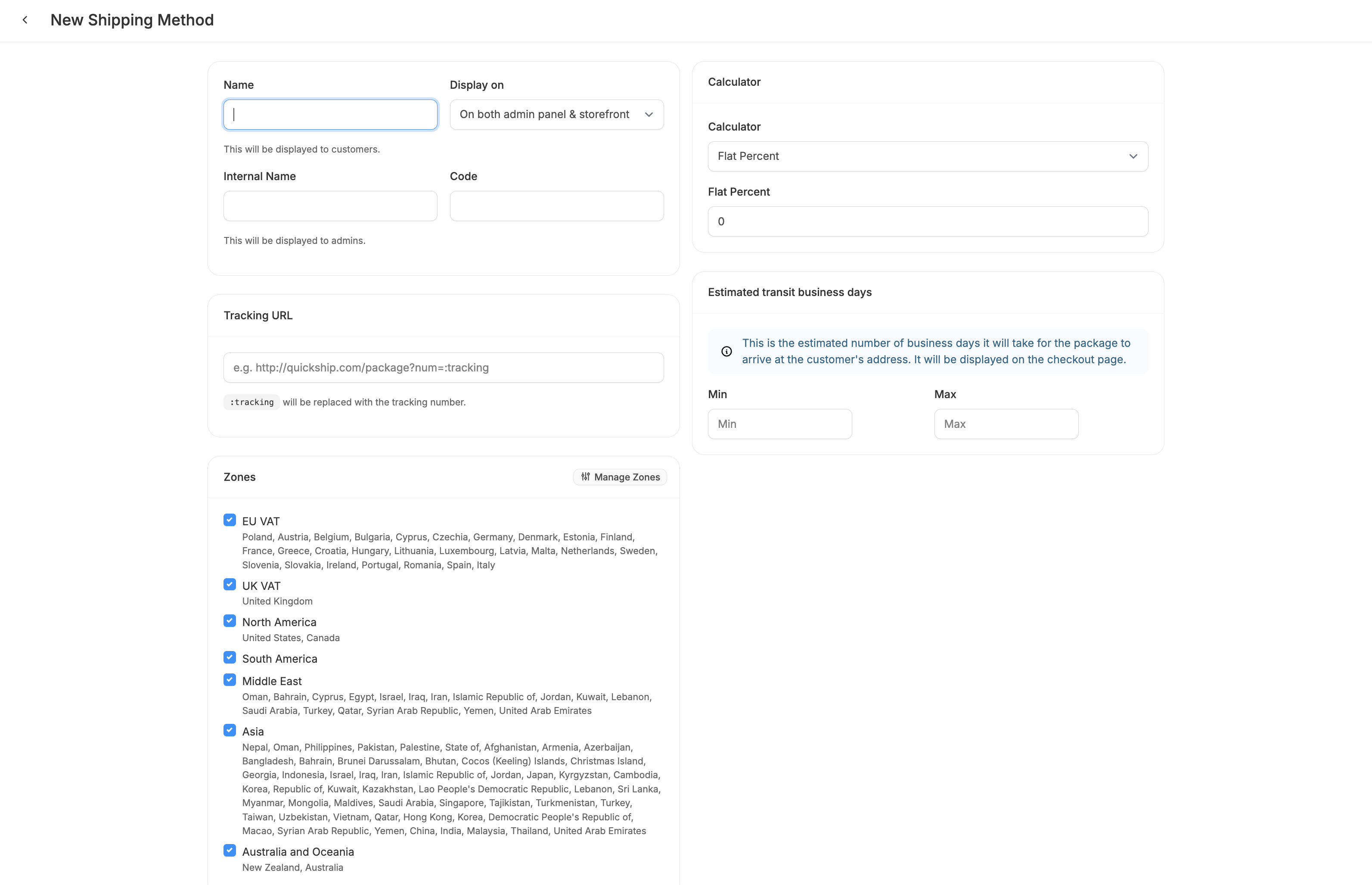
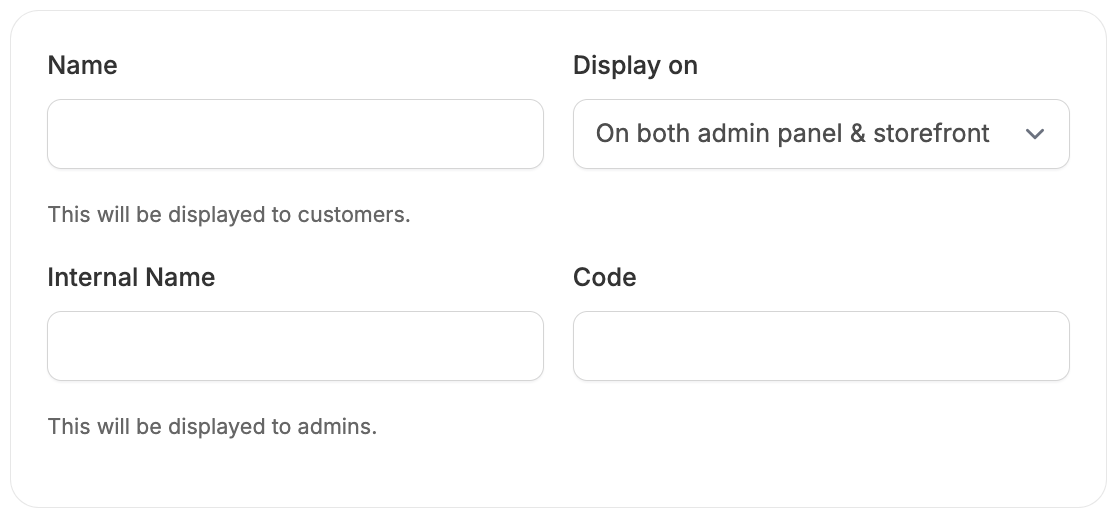
Presentation
Tracking URL
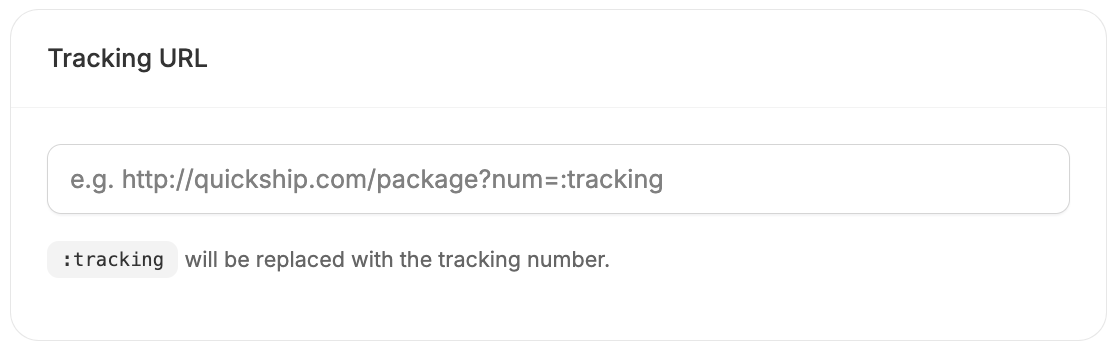
- https://www.fedex.com/wtrk/track/?trknbr=:tracking
- https://www.ups.com/track?loc=en_US&tracknum=:tracking
- https://tools.usps.com/go/TrackConfirmAction?qtc_tLabels1=:tracking
Zones
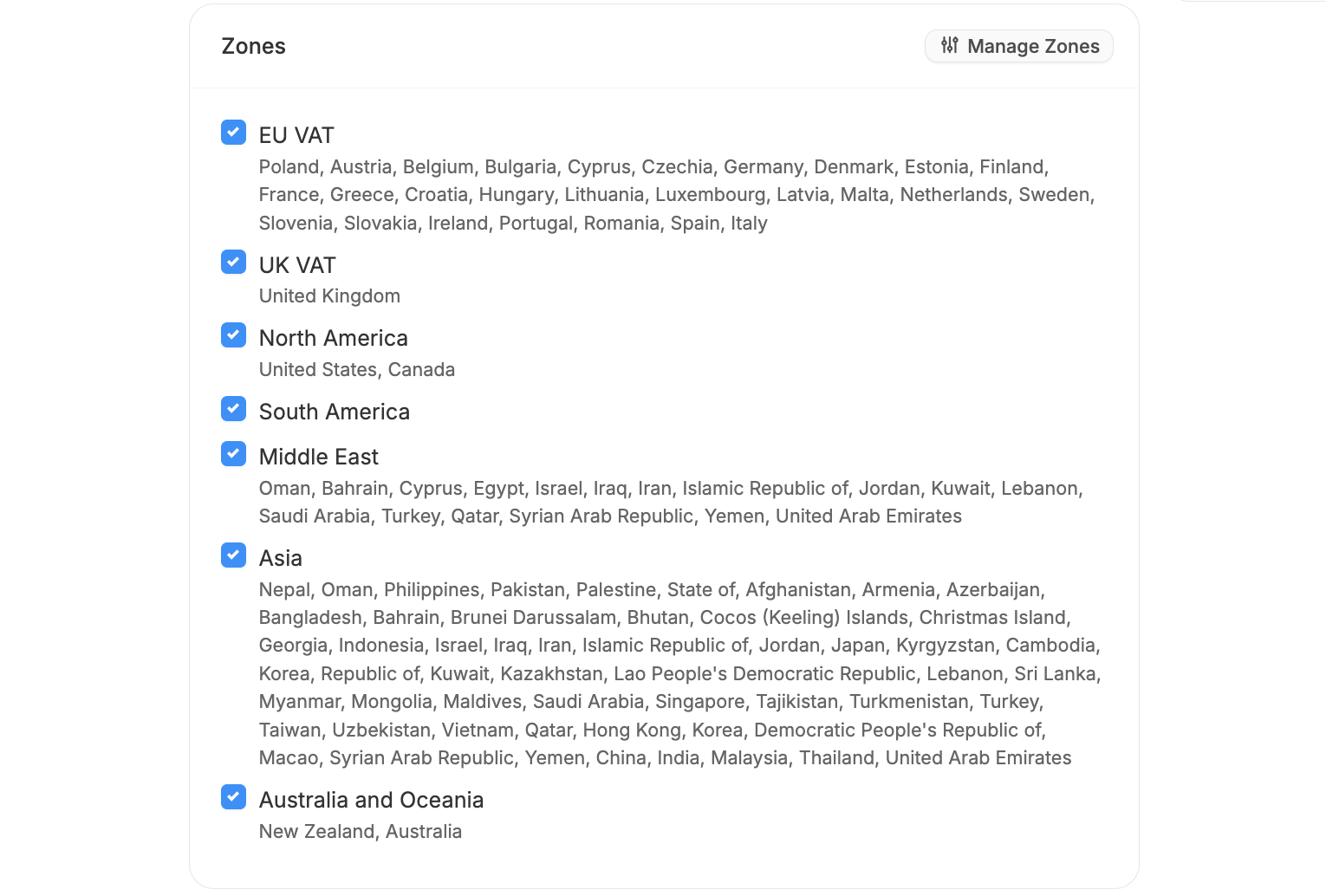
Customers will only see shipping methods that apply to their delivery address based on the assigned Zones.
Shipping Categories
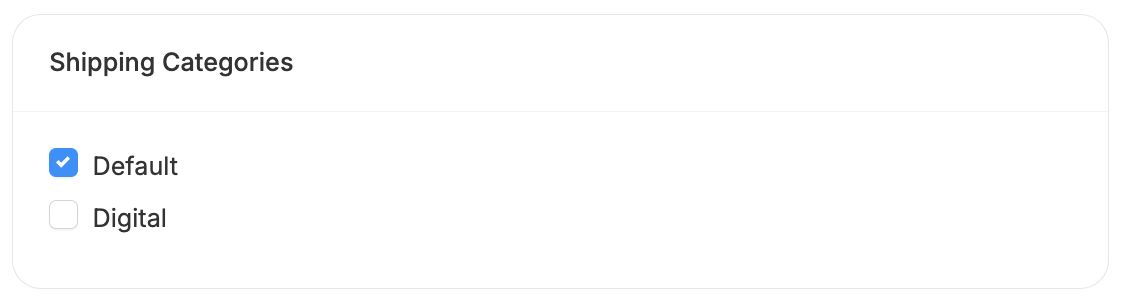
- Assigning a “Digital” category to non-physical products ensures they skip the shipping step during checkout.
- Creating a “Heavy” category for large or heavy items allows you to limit specific shipping methods to those products.
Tax Category
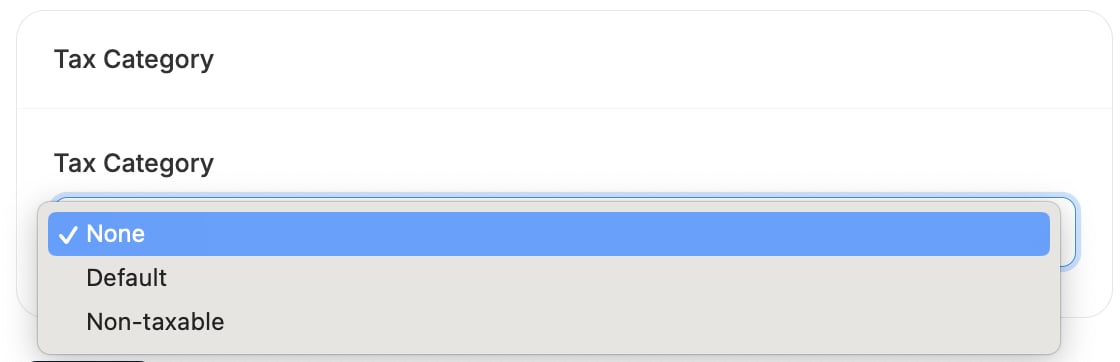
- In some regions, digital goods may be exempt from shipping tax, while physical goods are not.
- Shipping charges related to tax-exempt products might also need to be excluded from tax calculations entirely.
Calculator
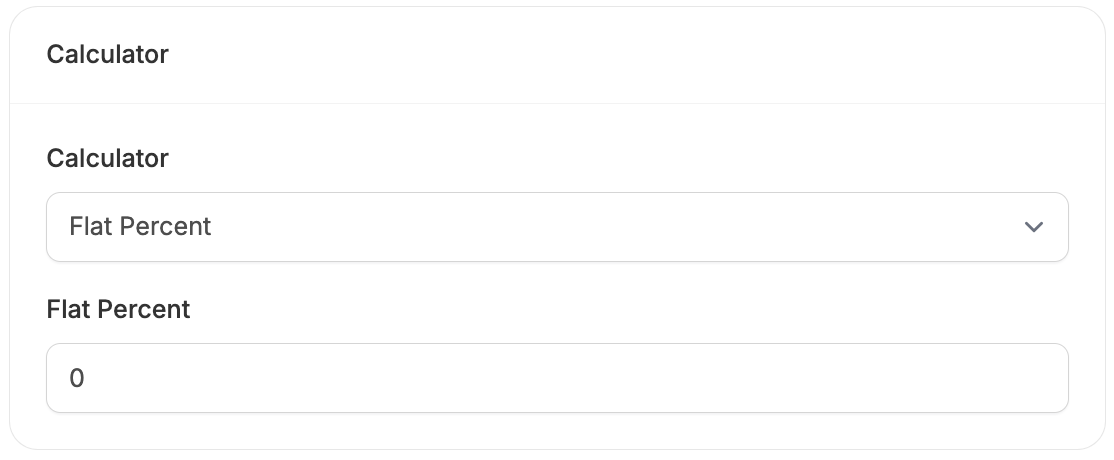
- Flat Percent - charges a percentage of the order total as the shipping cost.
- Flat Rate - charges a fixed shipping amount, regardless of order size or value.
- Flexible Rate per package item - charges a base rate plus an additional amount for each item in the package (ideal for variable-size orders).
- Flat Rate per package item - Applies the same fixed fee to every item in the shipment.
- Price Sack - offers tiered pricing based on the total order value (e.g., $5 for orders under $50, free over $100).
- Digital Delivery - used for digital products that don’t require physical shipping (typically results in no shipping cost).
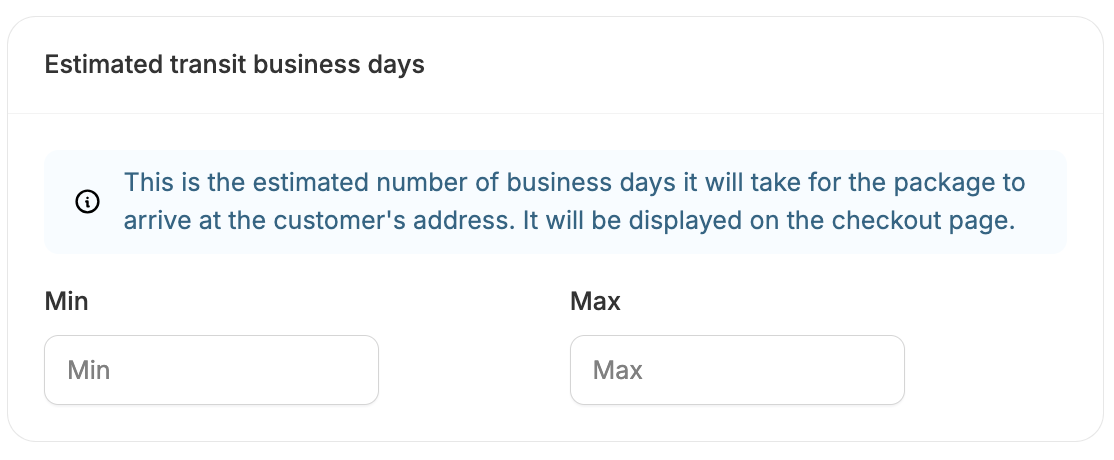
Estimated Transit Business Days