

- Updating the price
- Editing the name or description
- Hiding the product from the storefront
- Adding new images
- Changing or adding categories and tags
How to Edit a Product
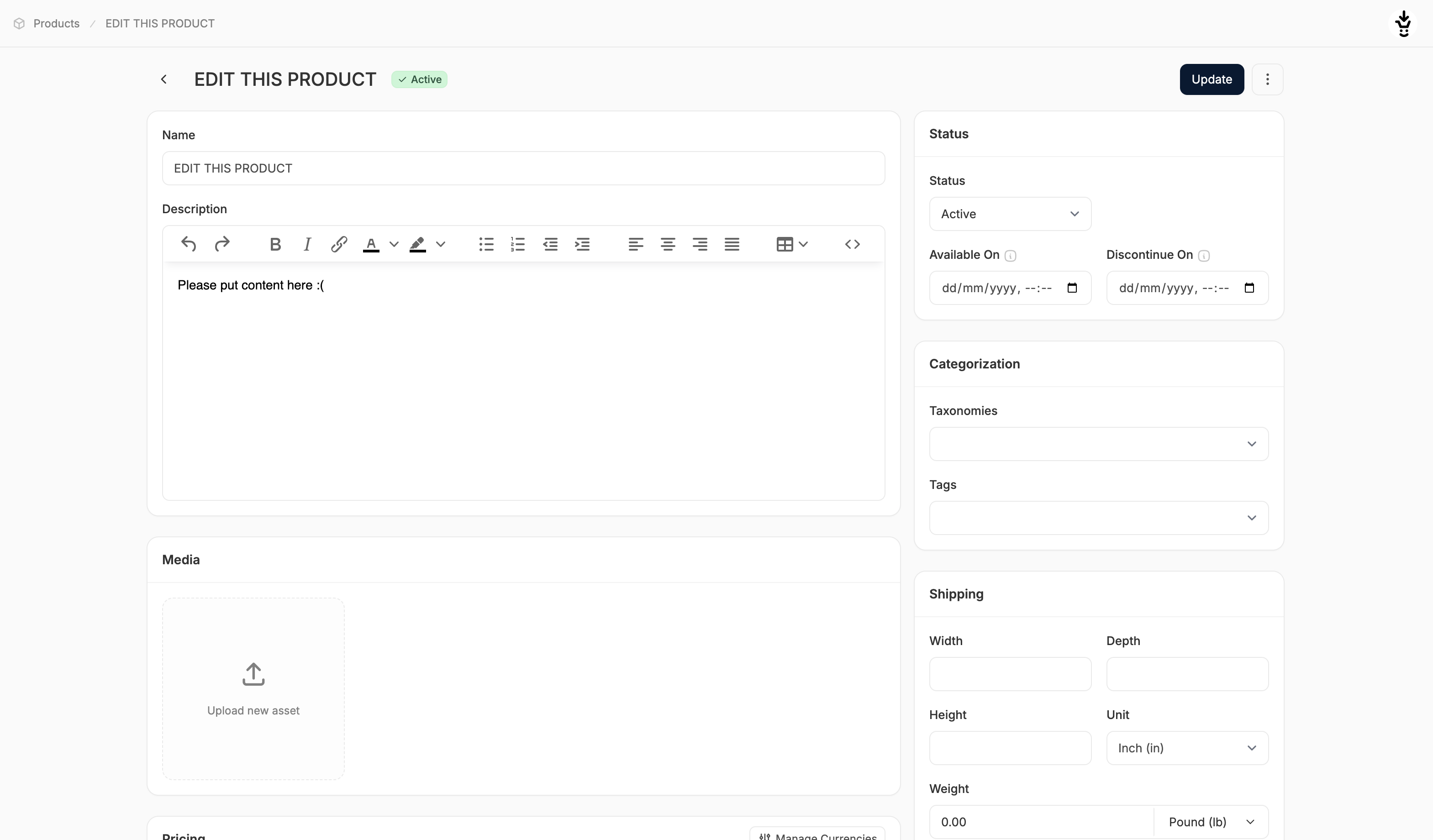
- Go to the Products tab in the admin dashboard and click on the product you want to update.
- This opens the product editor, where you can modify any existing field or fill in previously empty ones.
- Make your changes as needed across the different sections (e.g., Pricing, Media, Inventory, etc.)
- When finished, click Update at the top or bottom of the page.
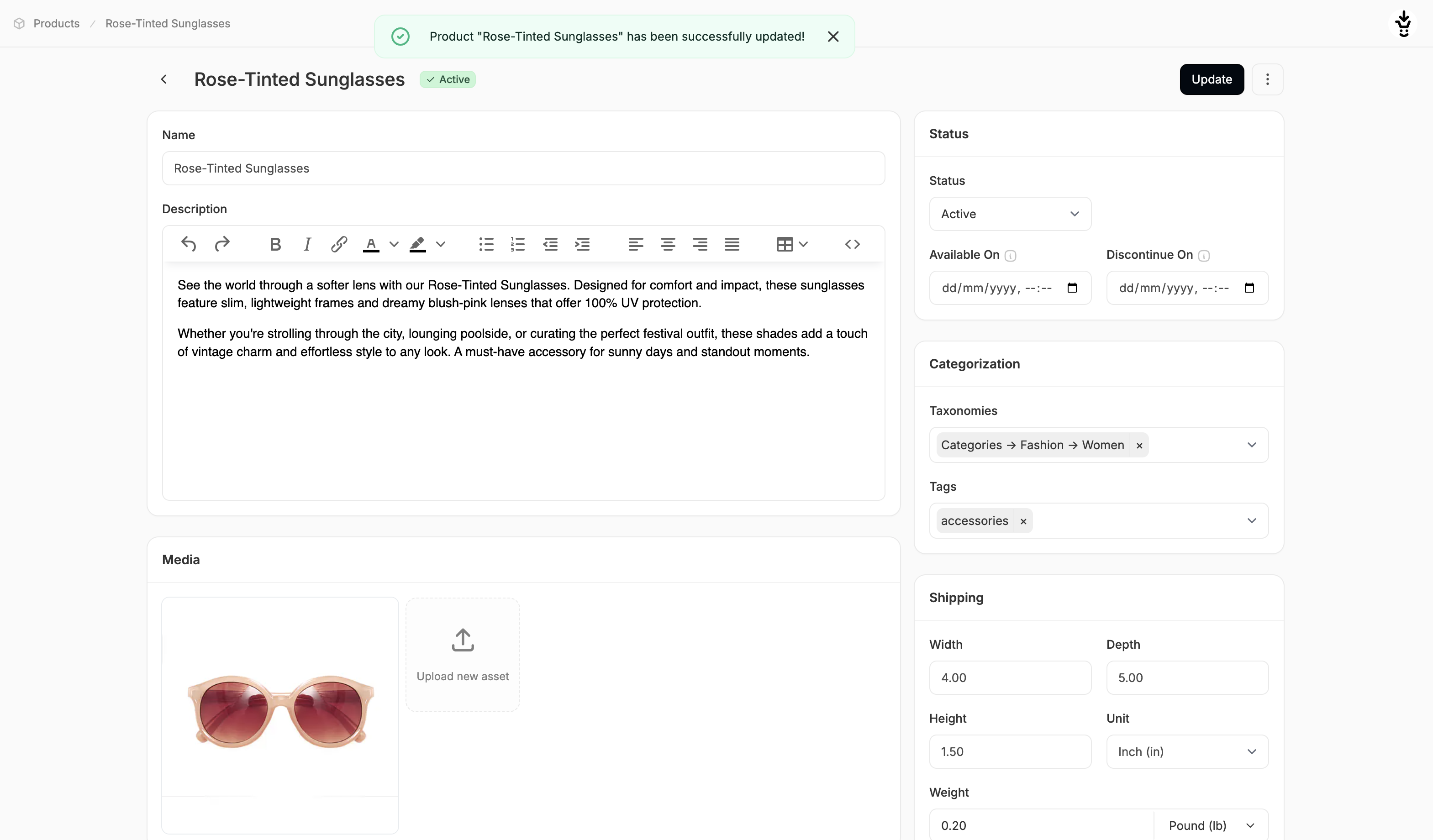 To learn more about the product editor and how each section works, see: Create a Product
To update variant-specific details for products with multiple options (e.g., size, color), see: Edit a Multi-Variant Product
To learn more about the product editor and how each section works, see: Create a Product
To update variant-specific details for products with multiple options (e.g., size, color), see: Edit a Multi-Variant Product