

Home Screen
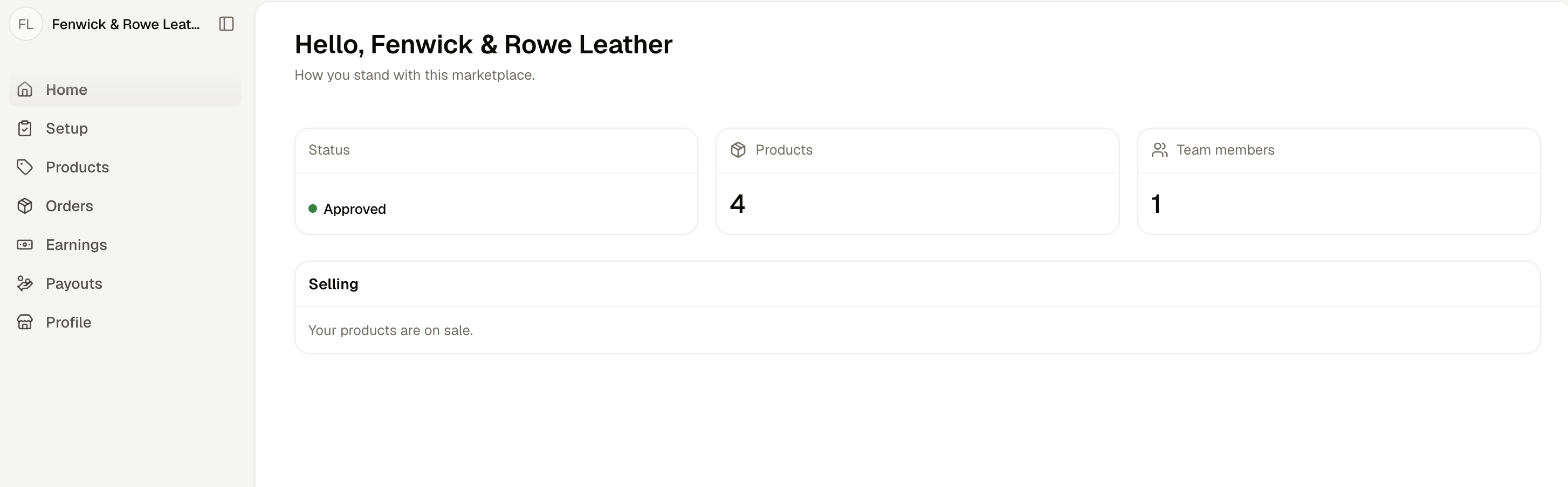
- Status - Their seller status, in the same words you see on their record. See Sellers.
- Products - How many products they have listed, counting drafts and products still in review.
- Team members - How many people can sign in and run the seller.
Selling reports the seller’s own standing rather than whether any shopper can actually buy from them. A seller reads that their products are on sale as soon as they are approved and not on holiday, even where none of their products has been listed on a sales channel. See Seller Products.
What the Sidebar Holds
The sidebar is the whole panel. It is deliberately short compared to the admin dashboard.
Earnings and Payouts are there because a seller needs to see their own money. Your dashboard has nothing like them for your own team, because the same question asked from your side covers every seller at once, which is what Sellers → Seller transfers and Sellers → Payouts answer.
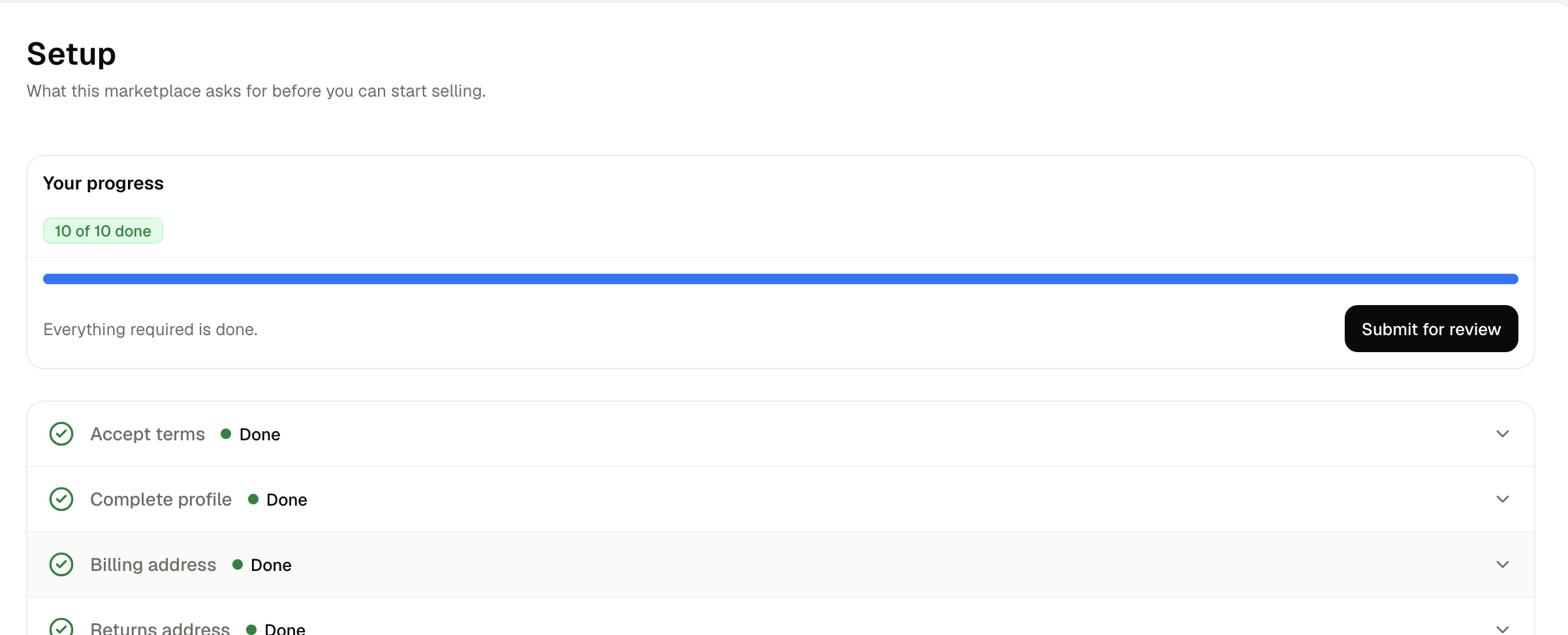
Setup
Products
A seller’s product form is the same one your team uses, with the parts that belong to your marketplace left out. There is no sales channel control, no categories, collections or tags, and no tax category. A seller cannot put a product on sale. They save it, submit it for review, and wait for your decision. See Seller Products.Orders
Earnings
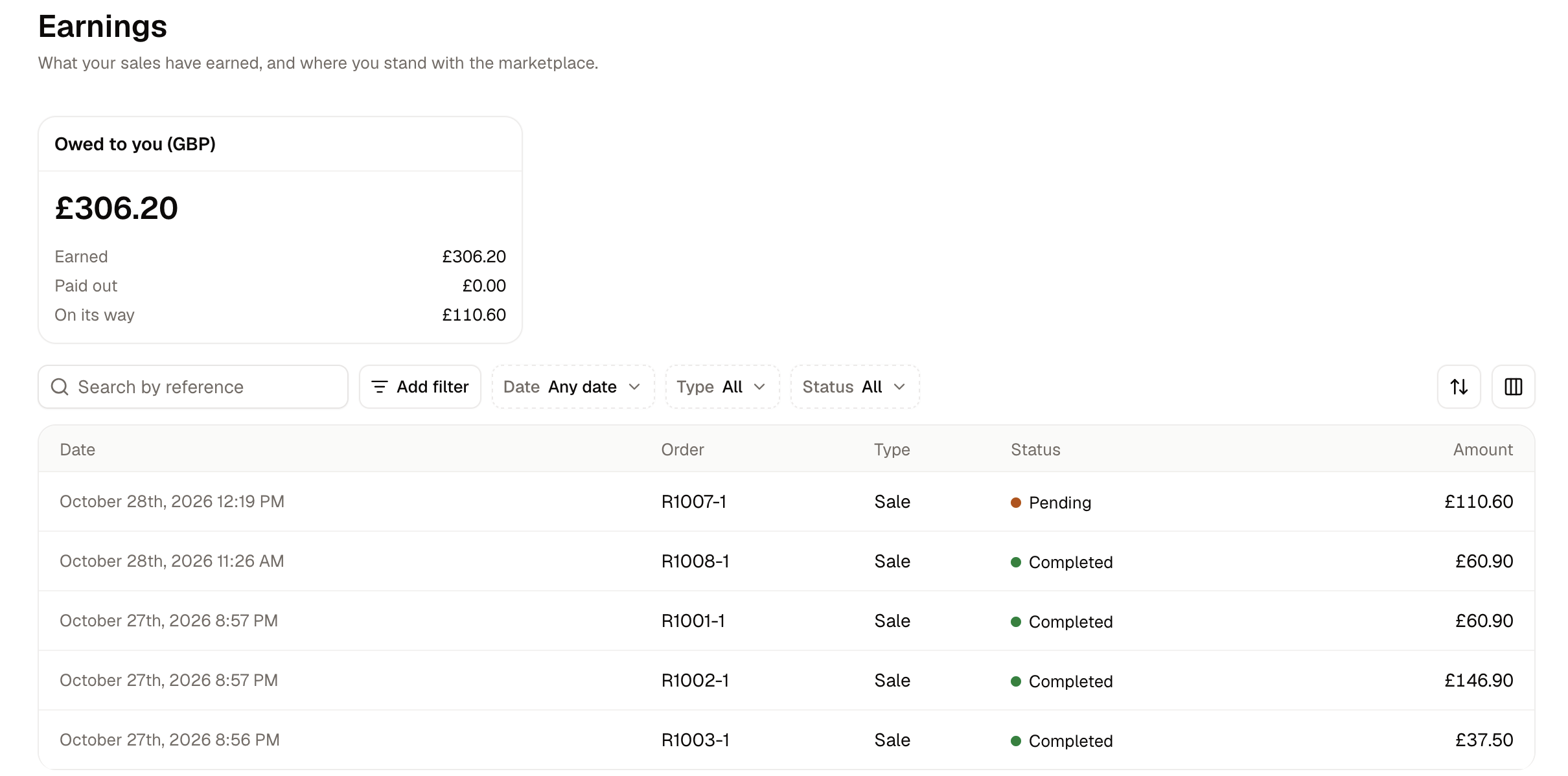
- Earned - Everything their sales have earned, net of anything refunded.
- Paid out - How much of that has already reached them through a completed payout.
- On its way - Earnings a payment provider has not confirmed yet, so a seller who has shipped does not read their own order as unpaid.
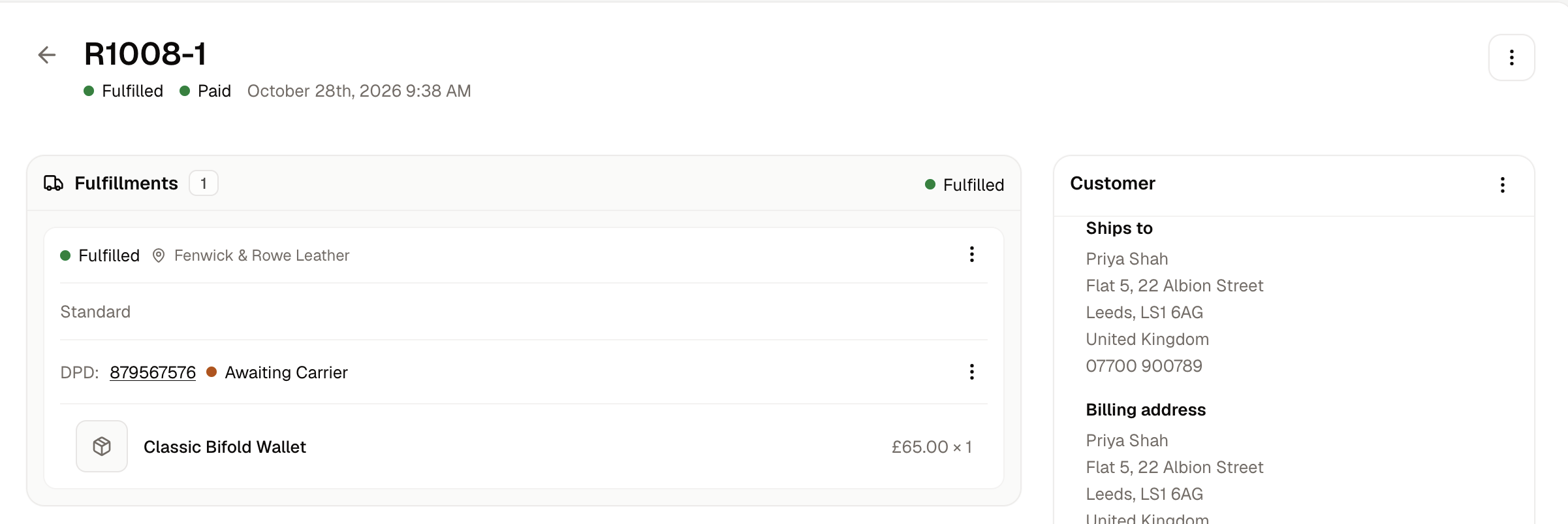
A seller never sees your commission rates. They see the fee charged on each of their own orders, which appears on the order itself, and the earning that fee was taken from.
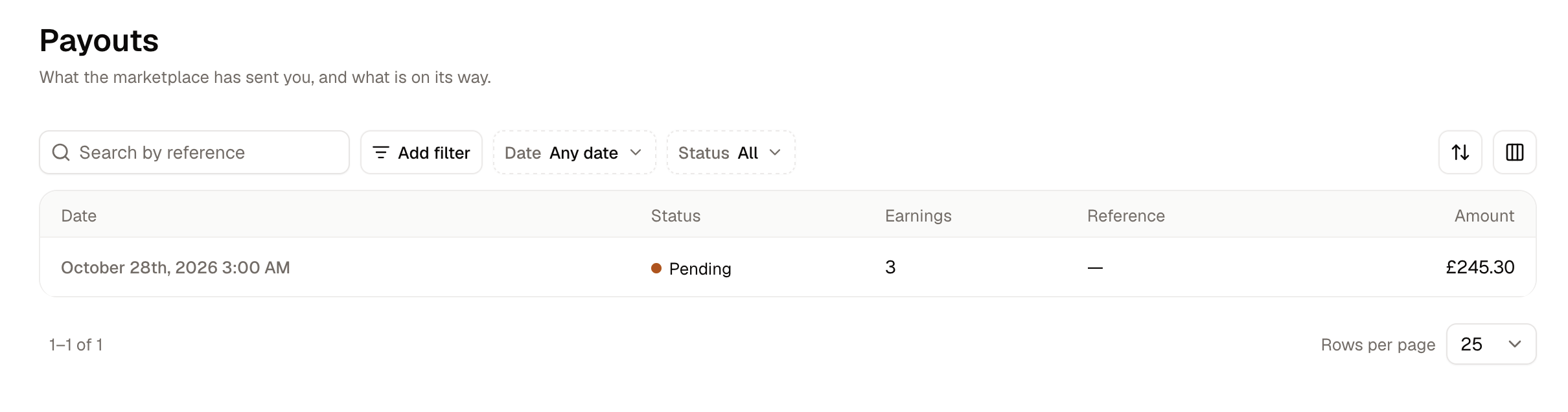
Payouts
Profile and Settings
Profile holds the public description, the logo and the cover photo shoppers see, along with the seller’s business details and tax registrations. Settings holds what the seller runs their own fulfillment with, which is their stock locations, delivery methods and package types, plus their published policies and their team. See Onboarding for what each of those is for. Team is where a seller invites colleagues by email. Everyone on a seller’s team has the same access, so a colleague brought in to help with packing can also change prices, read earnings and remove other members, including the person who invited them.Further Reading
- Onboarding - Inviting a seller and the checklist they work through
- Seller Products - Reviewing and listing what sellers submit
- Marketplace Orders - How an order is split between sellers
- Seller Transfers - The ledger behind a seller’s earnings
- Payouts - Settling what a seller is owed
- Sellers - The seller records themselves