

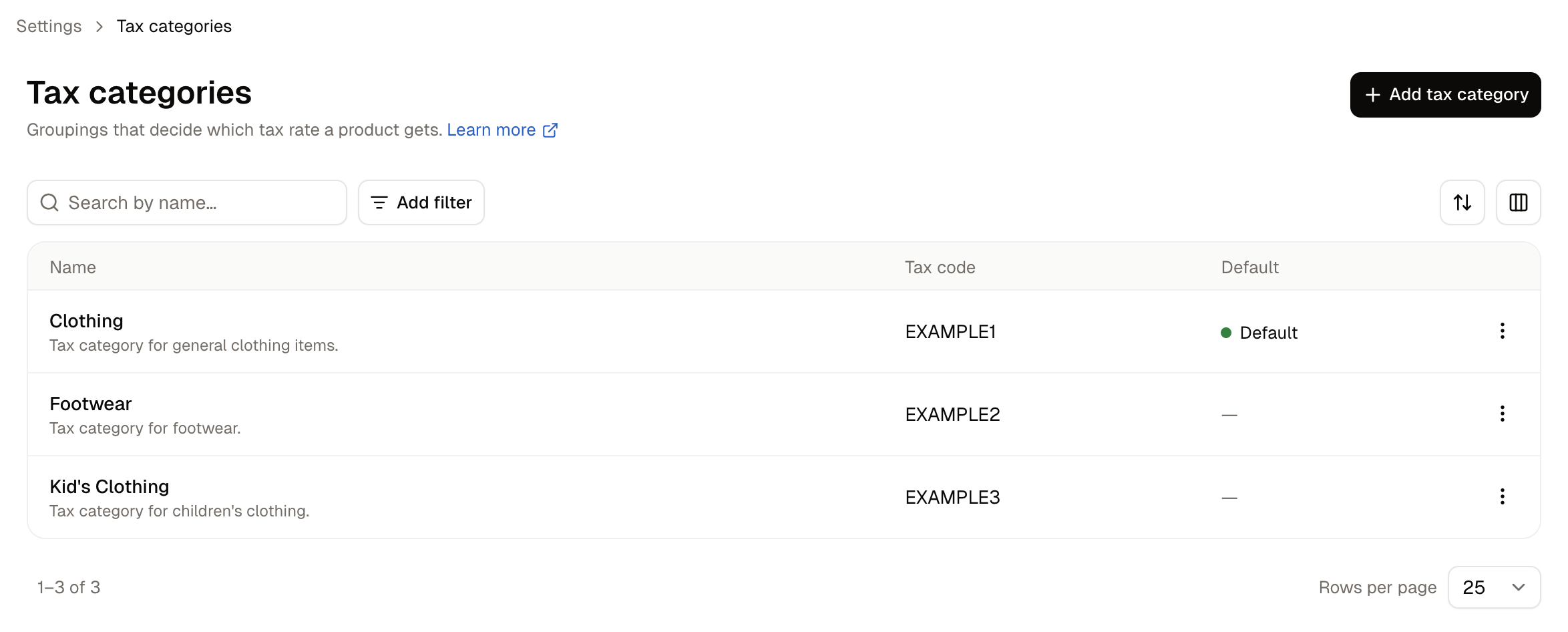
- Name - What the category is called, with its description beneath.
- Tax code - The code an external tax service knows this category by, if you use one.
- Default - The category products fall back to when none is set.
How to Create a Tax Category
Click Add tax category.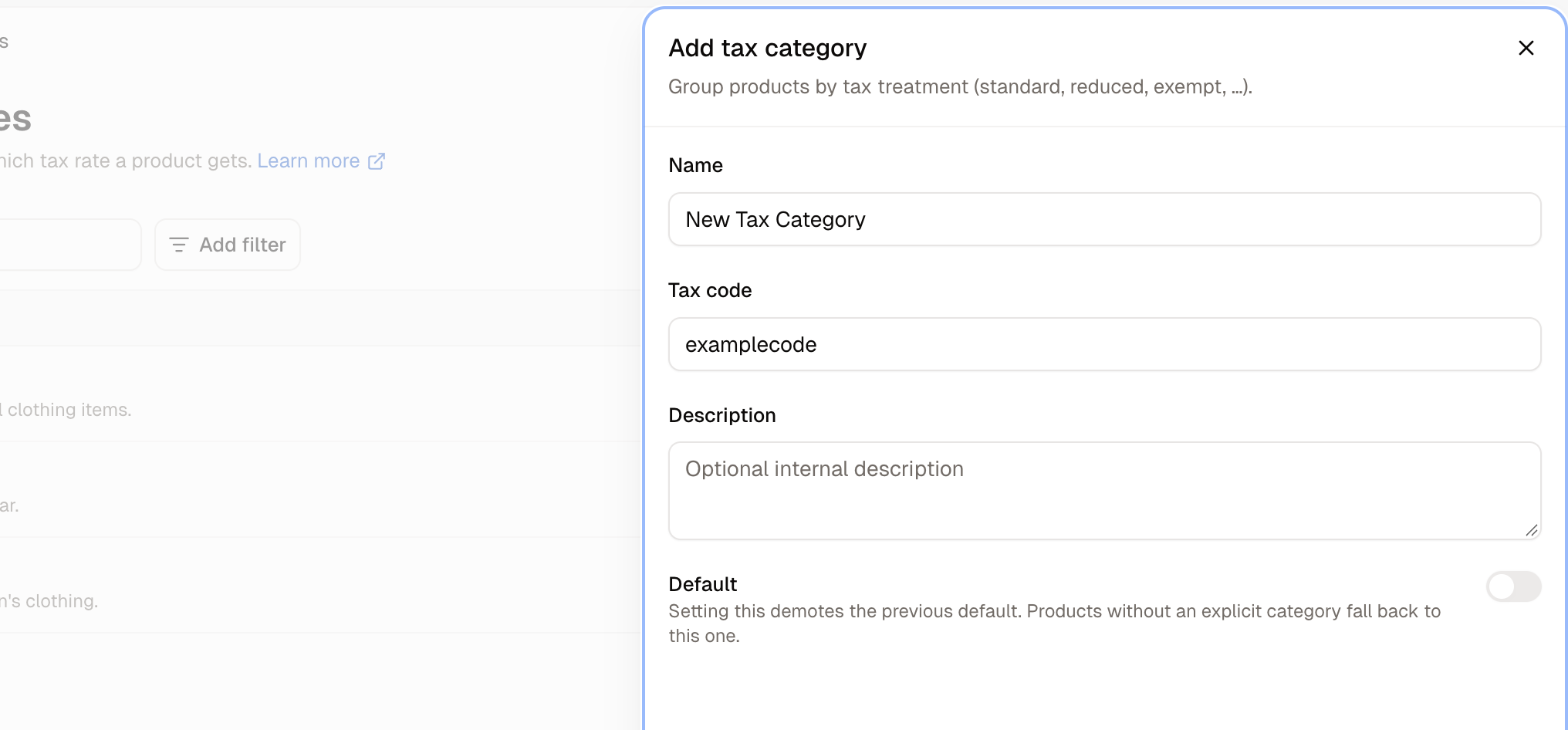
- Name - Name it after the tax treatment rather than the product type, such as Reduced rate or Zero rated. The same category usually covers several kinds of goods.
- Tax code - Only needed when an external tax provider such as Avalara expects its own code. Leave it blank otherwise.
- Description - An optional internal note on what belongs in this category. Worth filling in, because “Reduced Rate” means different things in different countries.
- Default - Products with no category of their own fall back to this one.
A tax category charges nothing on its own. Until a tax rate names it, products carrying it are taxed at nothing. Create the category here, then give it a rate on the Tax Rates screen.
How a Tax Category is Assigned
Categories are assigned on the product and on the variant within the product editor. When Spree works out the tax on a line item, it takes the first of these it finds:- The variant’s own tax category, if it has one.
- The product’s tax category, if the variant has none.
- The store’s default category, if neither has one.
A product whose variants are taxed differently does not need splitting into separate products. Set the product’s category to whatever most variants need, then override it on the ones that differ.
How to Edit a Tax Category
Open the row menu and choose Edit. Renaming a category is safe, because products and rates point at the category itself rather than its name.How to Delete a Tax Category
Open the row menu and choose Delete.Further Reading
- Tax Rates - Giving a category an actual percentage
- Markets - The regions your rates apply in
- Adding Products - Where a product’s tax category is set