> ## Documentation Index
> Fetch the complete documentation index at: https://spreecommerce.org/docs/llms.txt
> Use this file to discover all available pages before exploring further.
# Searching Products
> Learn how to search for products in the Spree Commerce dashboard.
As your catalog grows, manually scrolling through the Products list becomes less practical. Fortunately, Spree’s search and filtering tools make it easy to find exactly what you’re looking for - whether it's a specific product, a group by status, or everything under a certain category.
## How to Search & Filter Products
To begin, go to the **Products** tab in the admin dashboard.
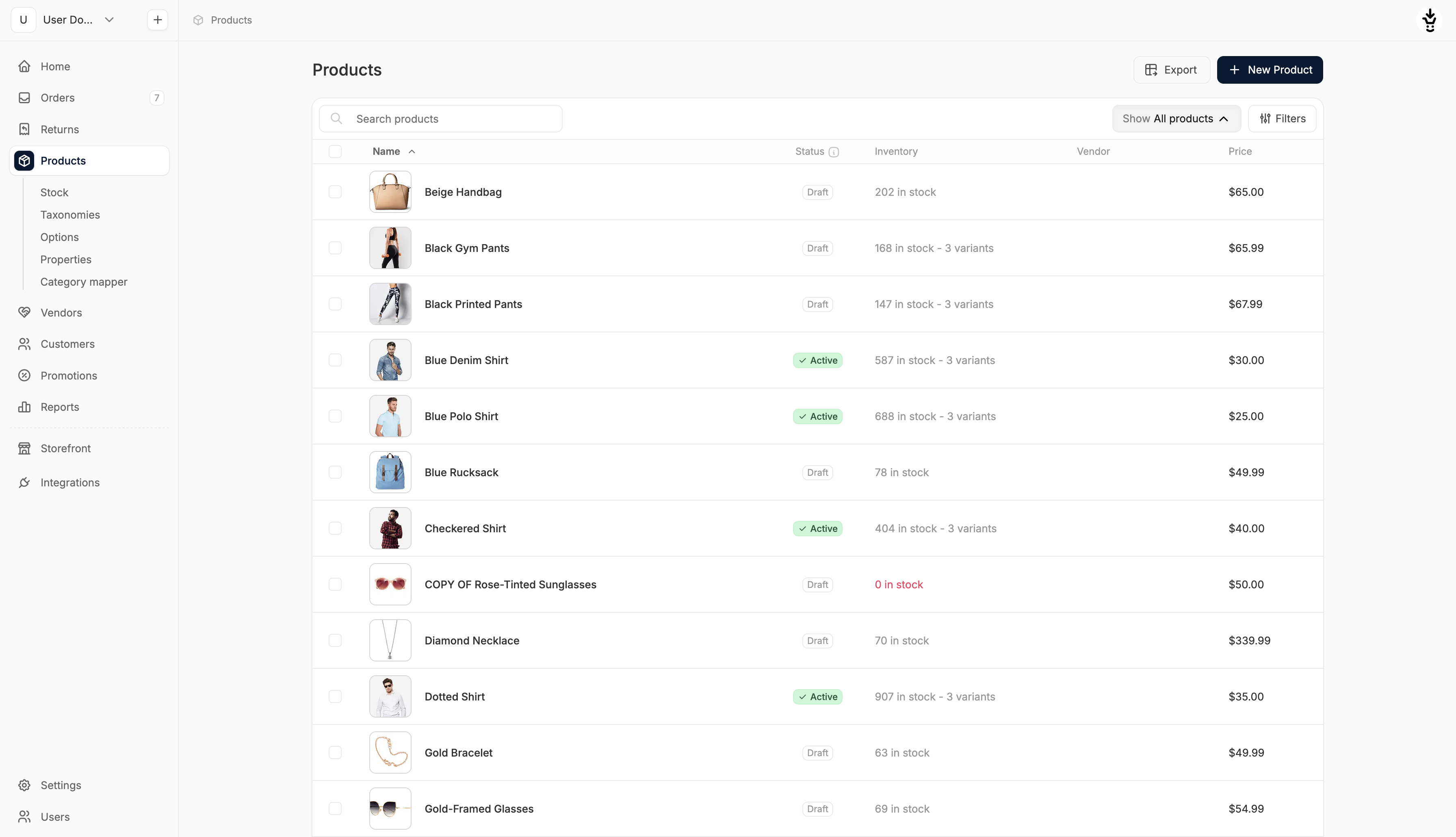 At the top of the page, you’ll find a search bar and a variety of filtering options to help narrow down results.
### Search
At the top of the page, you’ll find a search bar and a variety of filtering options to help narrow down results.
### Search
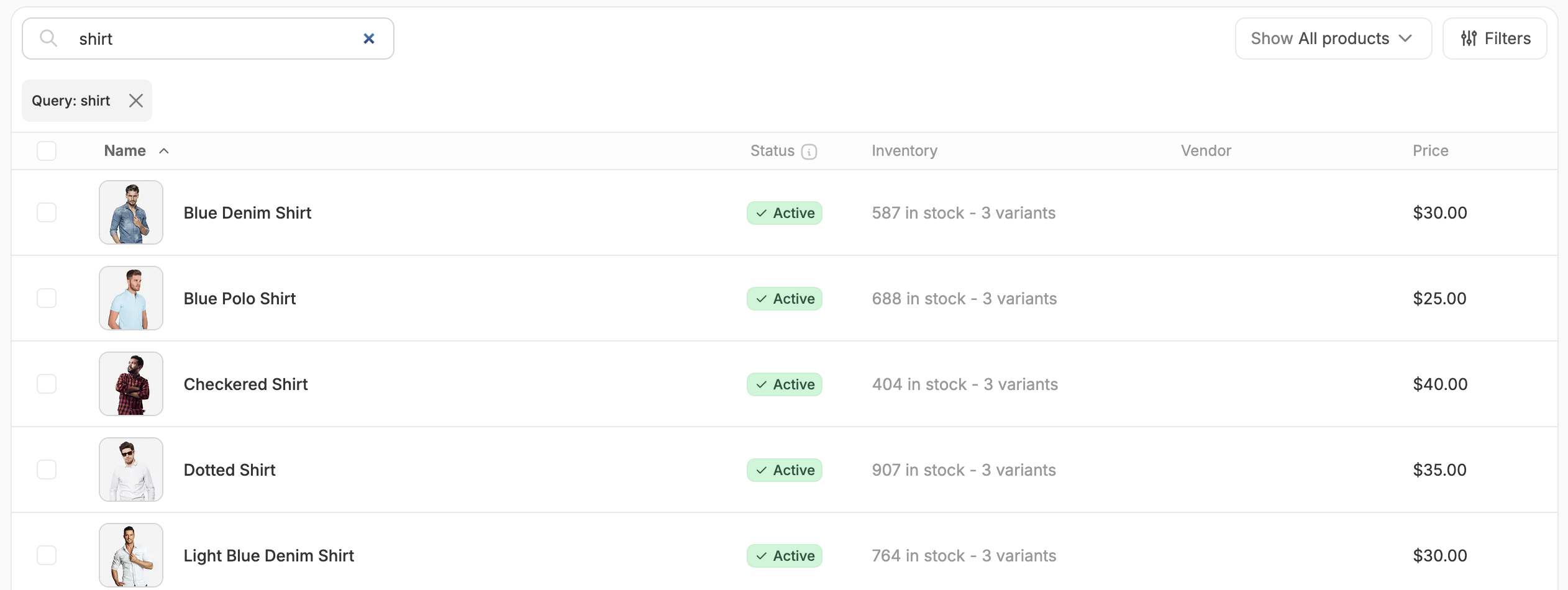 Use the search bar to quickly find products by name or keyword.
Results update automatically to match your query.
To clear the current search, click the **X** next to the query label below the search bar.
### Status & Stock Filters
Use the search bar to quickly find products by name or keyword.
Results update automatically to match your query.
To clear the current search, click the **X** next to the query label below the search bar.
### Status & Stock Filters
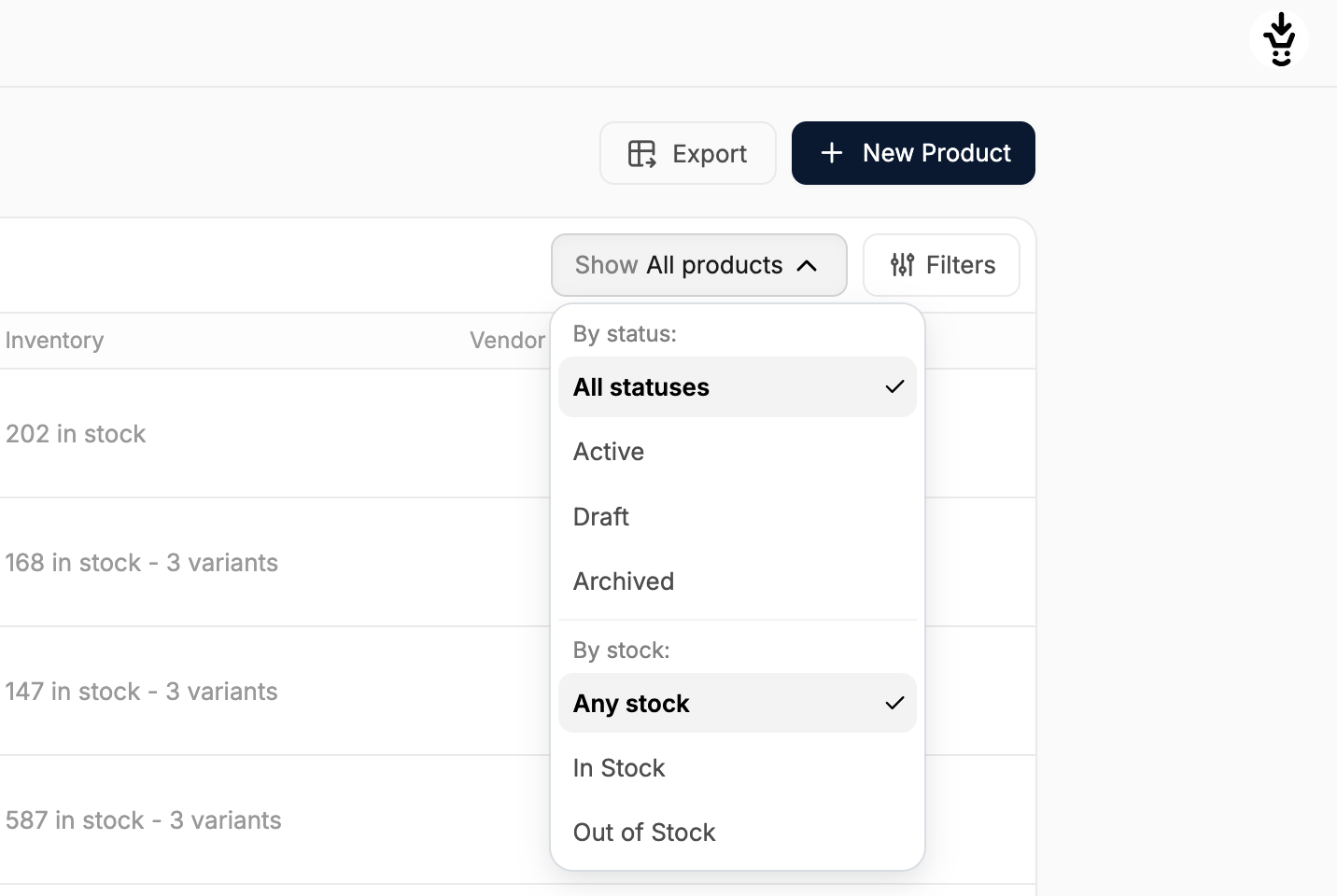 The dropdown labeled **Show: All Products** allows you to filter by:
* **Status**: Active, Draft, or Archived
* **Stock availability**: Any stock, In Stock, or Out of Stock
You can apply one filter from each category at a time (e.g., Active and In Stock). The current filter selection will be reflected in the label.
## Additional Filters
The dropdown labeled **Show: All Products** allows you to filter by:
* **Status**: Active, Draft, or Archived
* **Stock availability**: Any stock, In Stock, or Out of Stock
You can apply one filter from each category at a time (e.g., Active and In Stock). The current filter selection will be reflected in the label.
## Additional Filters
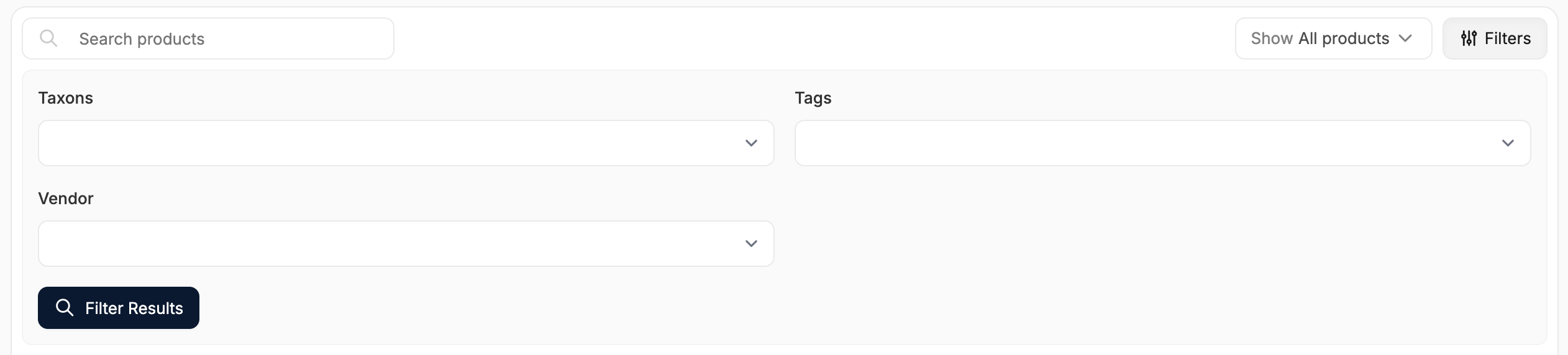 Click the **Filters** button to open more filtering options. These include:
### Taxons
Click the **Filters** button to open more filtering options. These include:
### Taxons
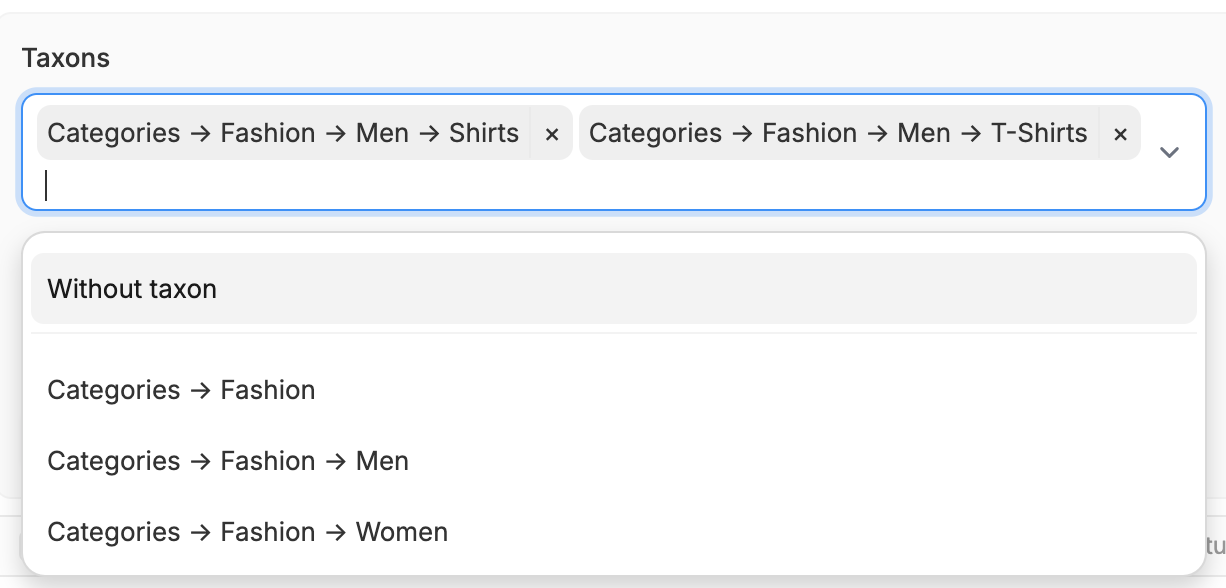 Here, you can filter by category, collection, brand, or any other taxonomy you’ve defined (e.g., Categories → Men → Shoes or Collections → Spring).
Feel free to select multiple taxons from the dropdown, or select **Without taxon** to filter by products that haven’t been merchandised yet.
To learn more about organizing products into taxons, see **Taxonomies**.
### Tags
Here, you can filter by category, collection, brand, or any other taxonomy you’ve defined (e.g., Categories → Men → Shoes or Collections → Spring).
Feel free to select multiple taxons from the dropdown, or select **Without taxon** to filter by products that haven’t been merchandised yet.
To learn more about organizing products into taxons, see **Taxonomies**.
### Tags
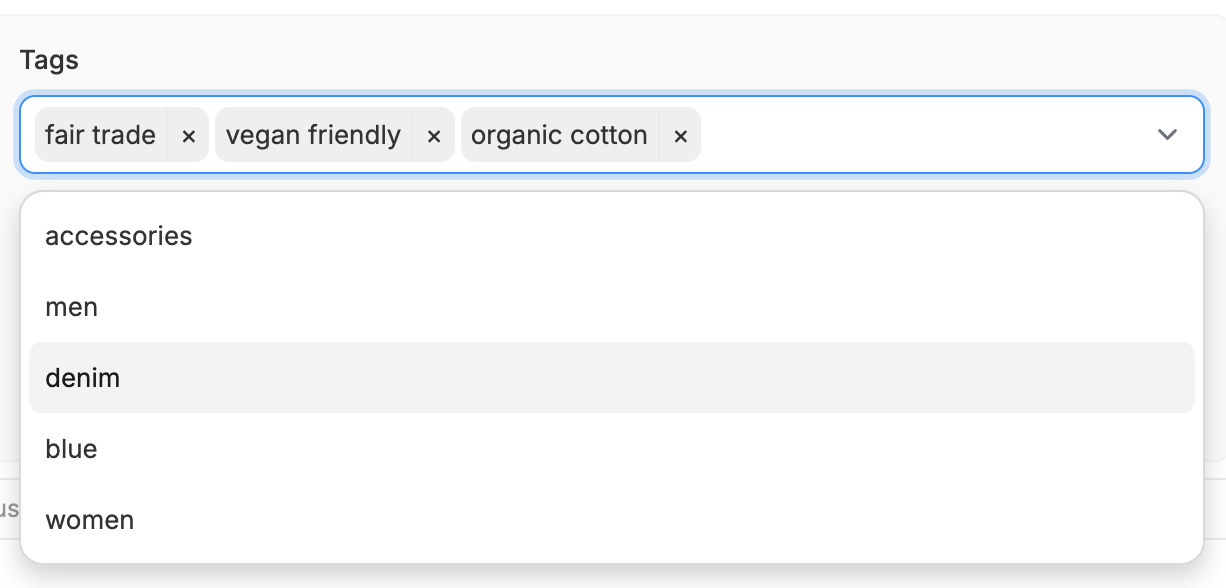 You can also filter products by one or more tags which can be helpful for merchandising or marketing workflows (e.g., Sale, New Arrival, Vegan).
Tags can be added in the product editor or via bulk actions.
### Vendors (Enterprise only)
You can also filter products by one or more tags which can be helpful for merchandising or marketing workflows (e.g., Sale, New Arrival, Vegan).
Tags can be added in the product editor or via bulk actions.
### Vendors (Enterprise only)
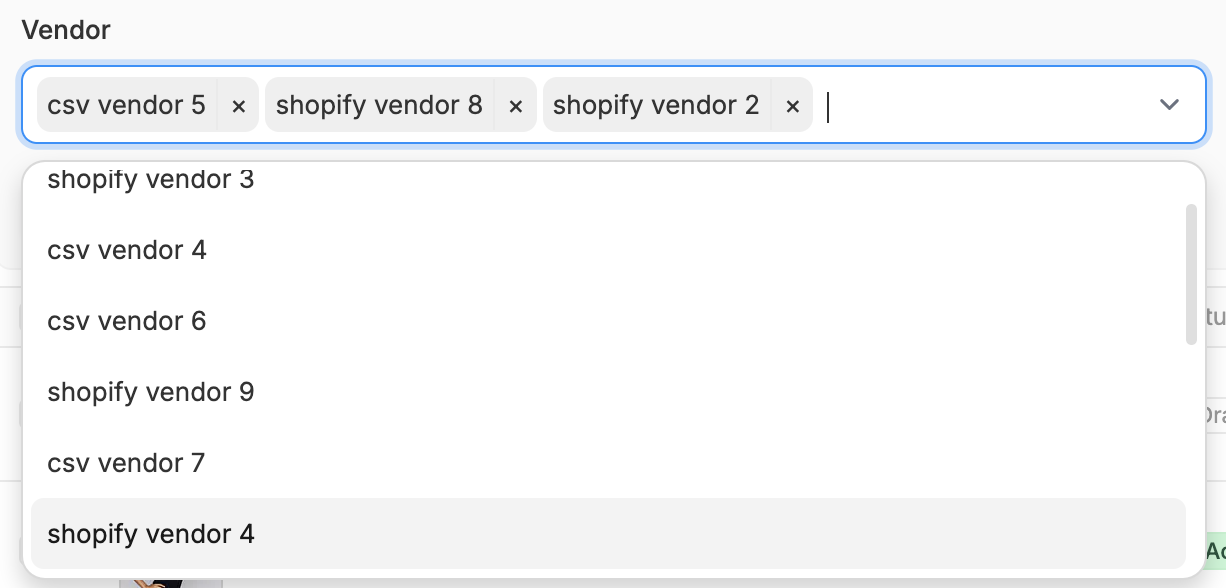 If you're using Spree Enterprise, you can also filter products by vendor which is incredibly useful for managing multi-vendor catalogs.